
Upload and connect models
Learn how to add local files or connect Autodesk Forma (formerly Autodesk Construction Cloud) before you start any reporting workflow.
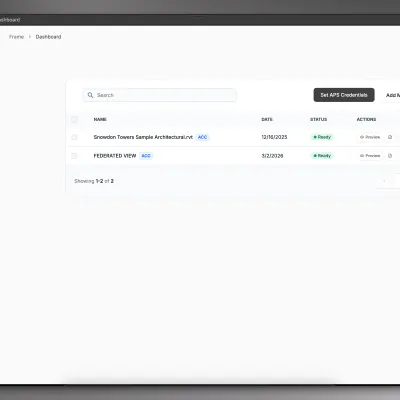
Upload and connect models
Learn how to add local files or connect Autodesk Forma (formerly Autodesk Construction Cloud) before you start any reporting workflow.
Review in the viewer
Get comfortable with the dashboard, 3D viewer, color tools, and markups before exporting data to other tools.
Build Power BI reports
Create a report, choose the right template, authenticate once, and open it in Power BI Desktop.
Work from Excel
Use the Frame Excel Add-In for filtered exports, viewer-to-sheet interactions, pivot tables, refresh workflows, and Power BI handoff.
Work with Frame AI
Query BIM models, generate scope from sheets, and review changes with natural language workflows.
Look up stable details
Use the reference section for template summaries, Excel column conventions, and terminology.
Getting Started covers the core Frame flow from dashboard orientation to
your first report.Workflows groups practical job paths for Power BI, Excel Add-In, and Frame
AI.Integrations explains how Frame connects to Autodesk Forma (formerly Autodesk Construction Cloud) and
local model files.Reference keeps stable details in one place so workflows can stay concise.