
Choose a template
Start with the decision you need to make
Section titled “Start with the decision you need to make”Use the template that matches the question your team is trying to answer:
- Starter when you want a general-purpose, clean foundation.
- IFC Starter when an IFC was processed with the Frame engine.
- Federated Starter when the source is an ACC Model Coordination federated view.
- Coordination when you are analyzing Navisworks clash results.
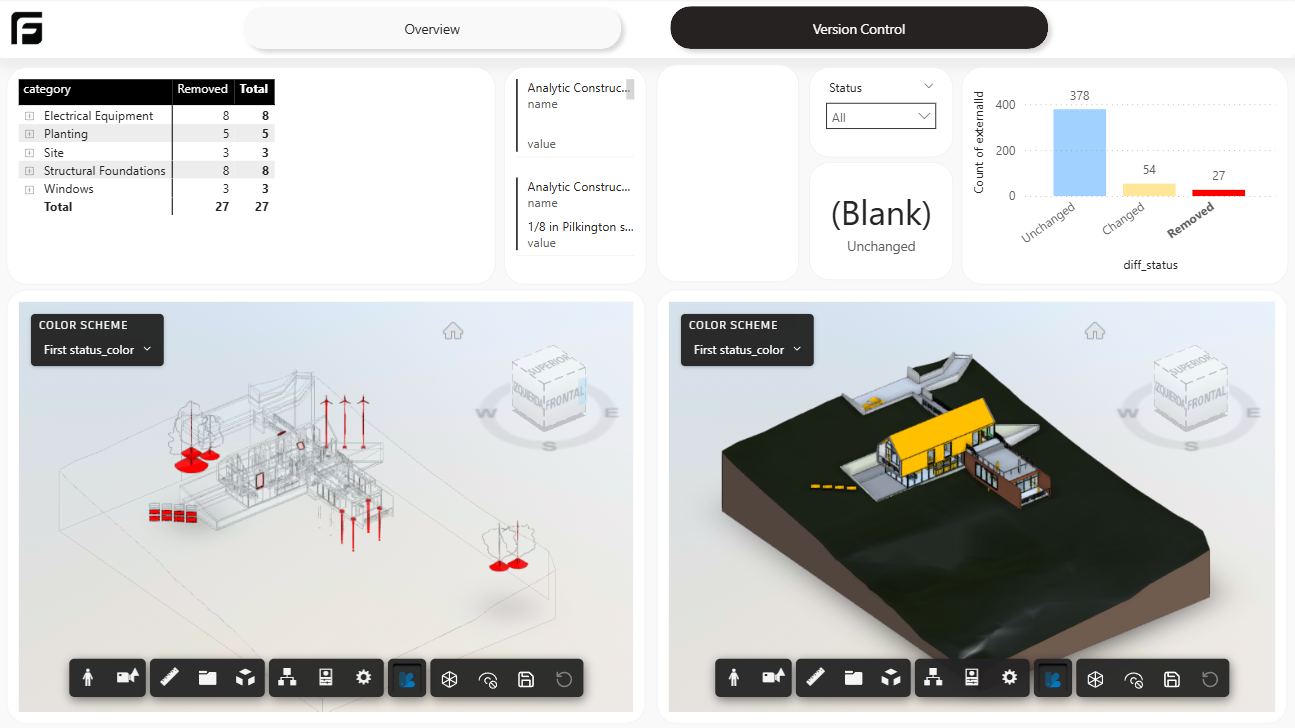
- File Version when you need to compare two versions of the same model.
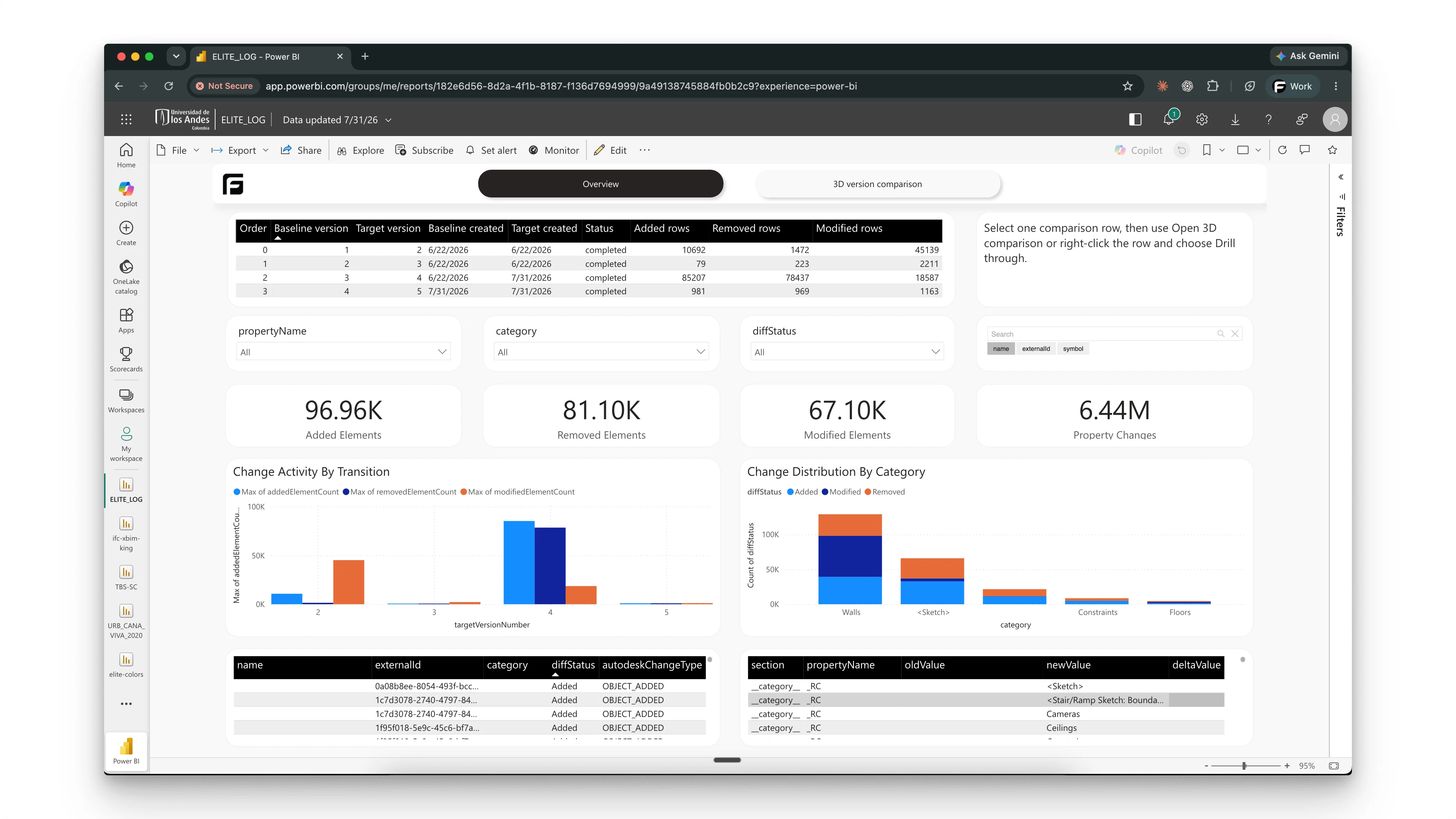
- Version history when you need consecutive change or property history across synchronized ACC/Forma versions.
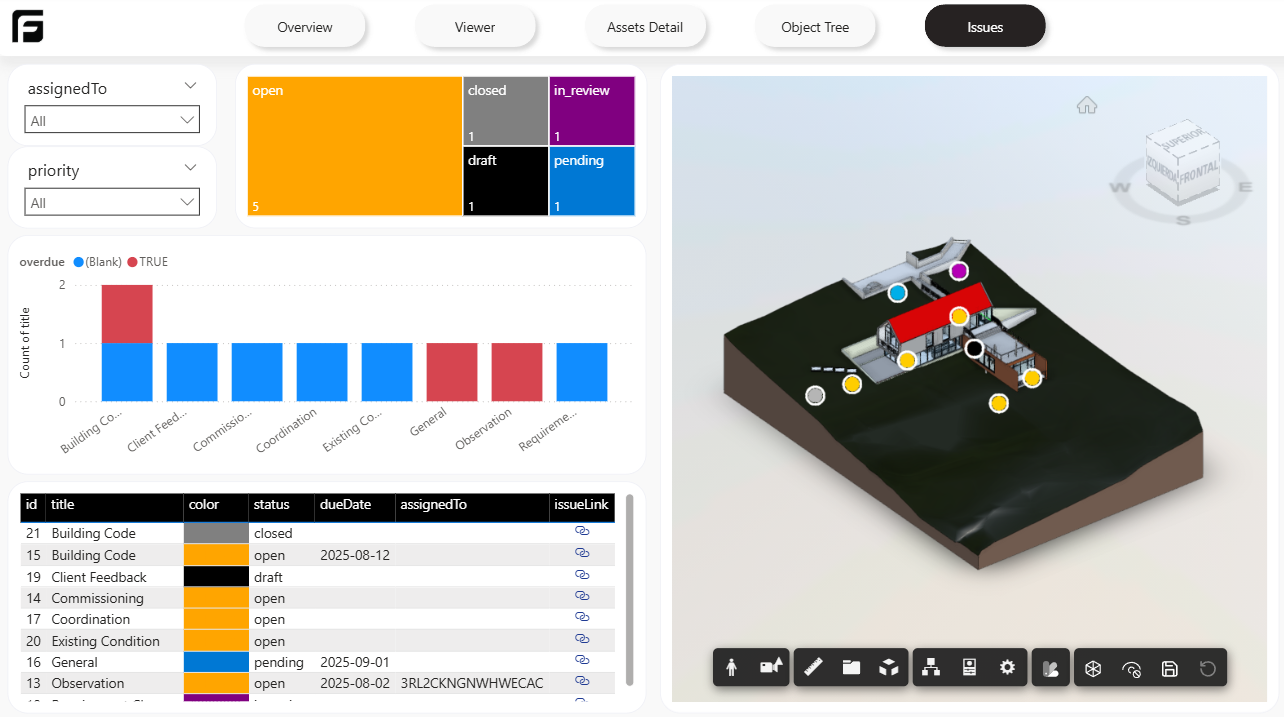
- ACC Issues when you want to analyze Autodesk Forma (formerly Autodesk Construction Cloud) issues.
Quick selection guide
Section titled “Quick selection guide”| Template | Best for | Typical output |
|---|---|---|
| Starter | General reporting and custom report building | Overview, viewer, access detail, object tree |
| IFC Starter | Frame-engine IFC reporting | Model properties, categories, storeys, filters, and 3D review |
| Federated Starter (Beta) | Multi-model ACC coordination | Aggregate or child-model data with federated 3D context |
| Coordination | Clash review | Clash summaries and detailed detective views |
| File Version | Revision comparison | Added, changed, and removed elements between versions |
| ACC/Forma Version history (Beta) | Multi-version change analysis | Consecutive comparisons and selected property history |
| ACC Issues | Issue analysis | Issue overview and issue detail pages |
Template guides
Section titled “Template guides”Use these pages for the full setup and report-specific guidance:
Starter template A clean starting point for general reporting, model review, and custom Power BI layouts.
IFC Starter template Start a Power BI report from an IFC translated with the Frame engine.
Federated Starter Report across an ACC federated view or select one source-model dataset.
Coordination template Navisworks clash reporting with summary, detective, and aggregate views.
File Version template Compare two versions of the same model and review what changed.
ACC/Forma Version history Analyze consecutive changes and selected properties across synchronized model versions.
ACC Issues template Analyze Autodesk Forma (formerly Autodesk Construction Cloud) issues tied to a processed model.
Template examples
Section titled “Template examples”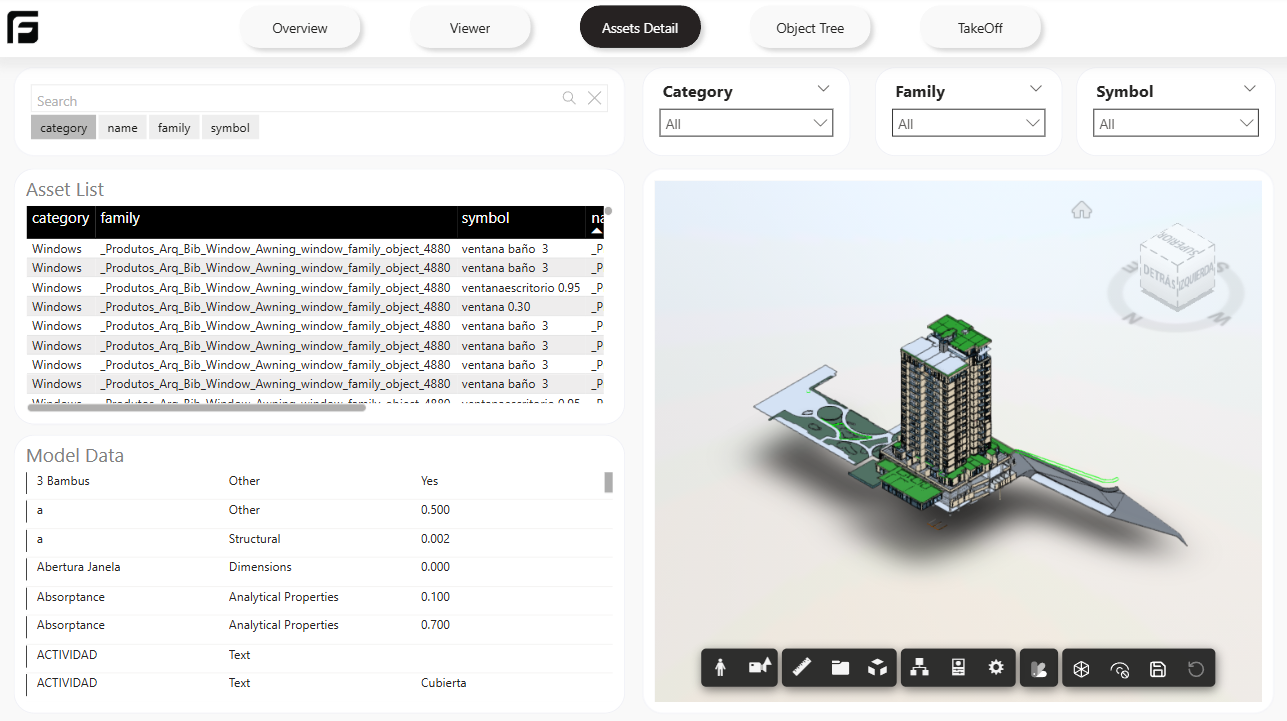
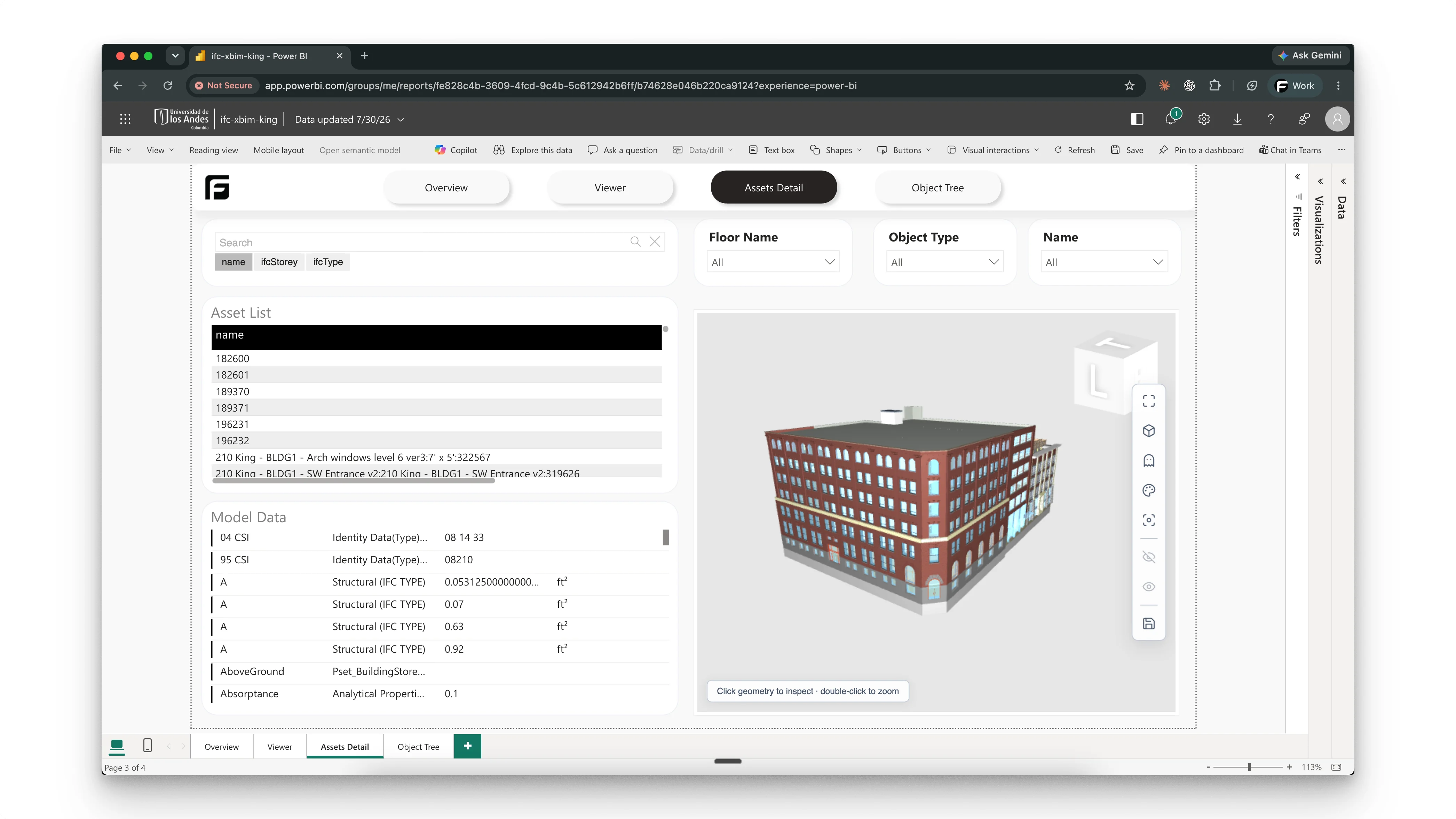
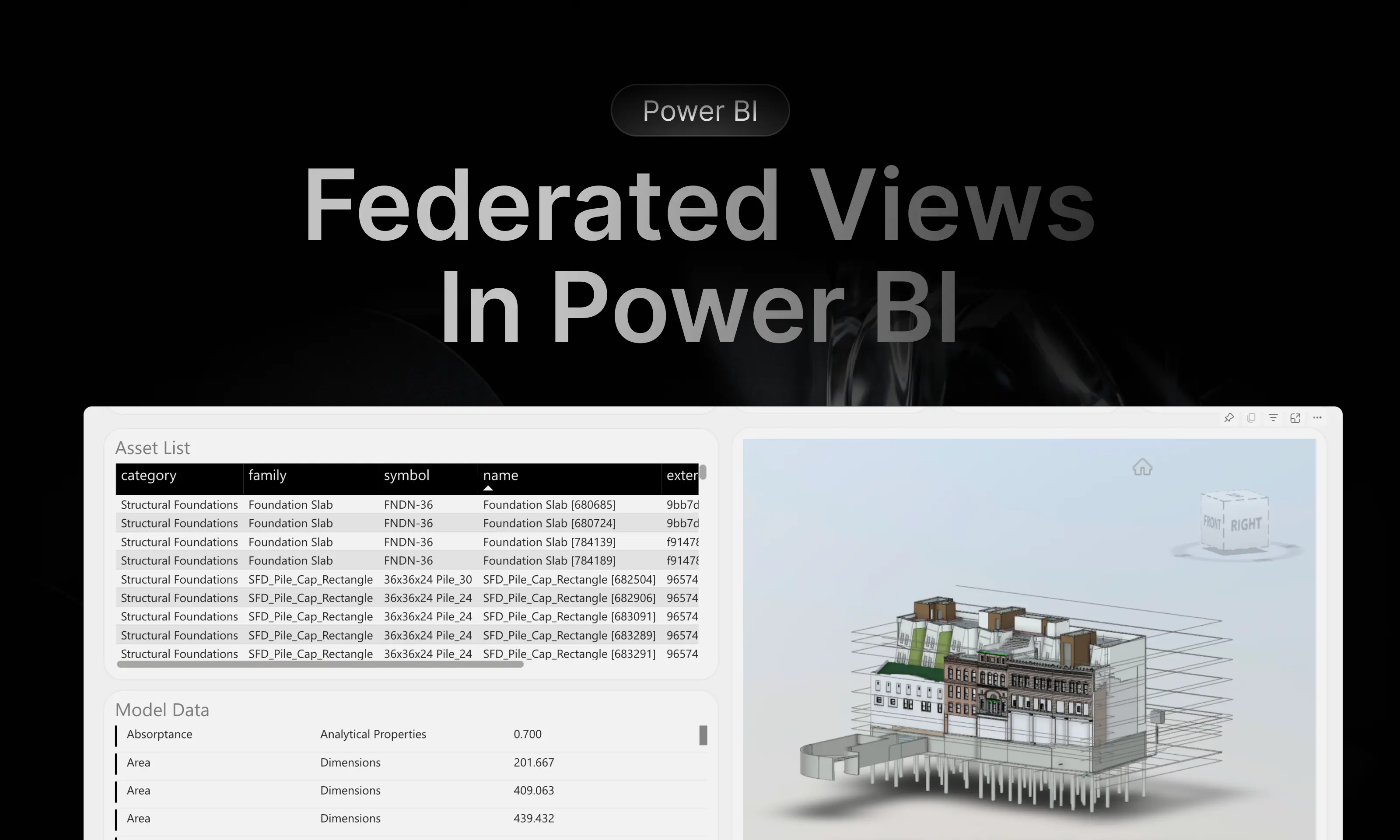
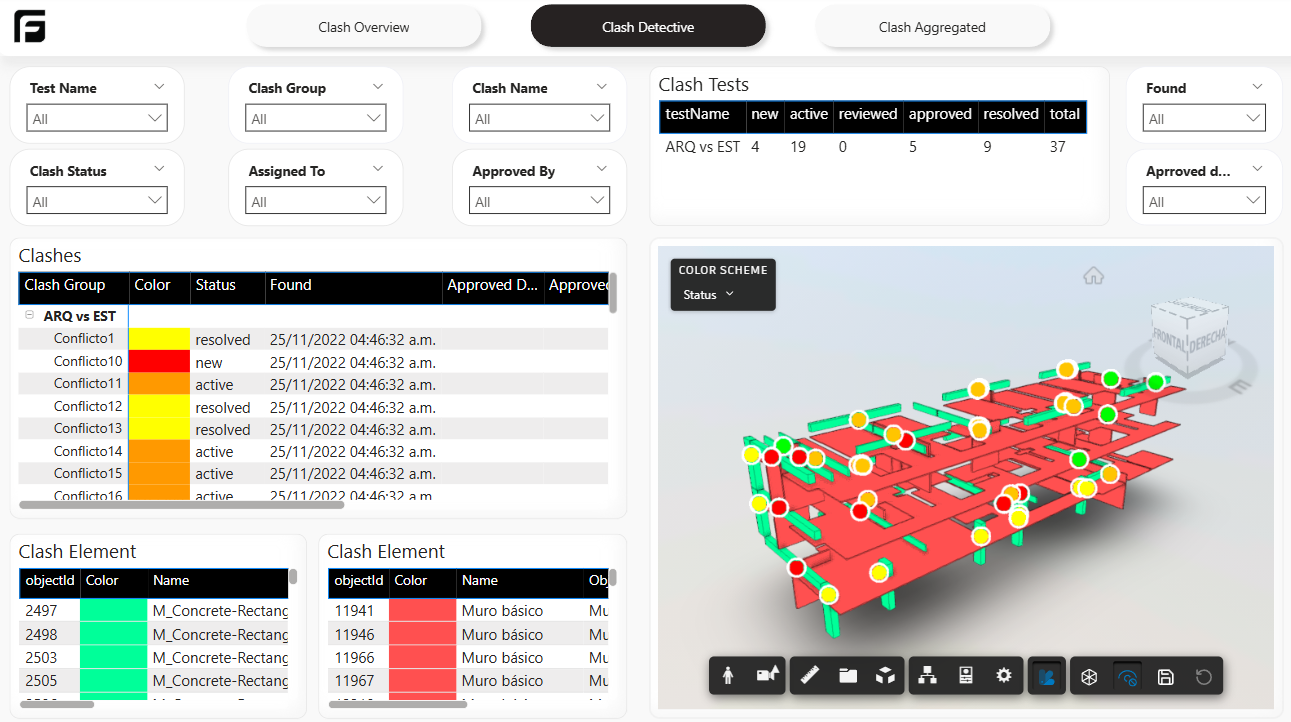
Recommendation
Section titled “Recommendation”If your team is just starting with Power BI in Frame, choose Starter first. It gives you the cleanest base for learning the data model and deciding what to customize later.
Related reference
Section titled “Related reference”For the stable catalog with page-by-page summaries, see Power BI templates.