
Dashboard and navigation
See how the dashboard is organized, where model details live, and where the viewer and report actions appear.
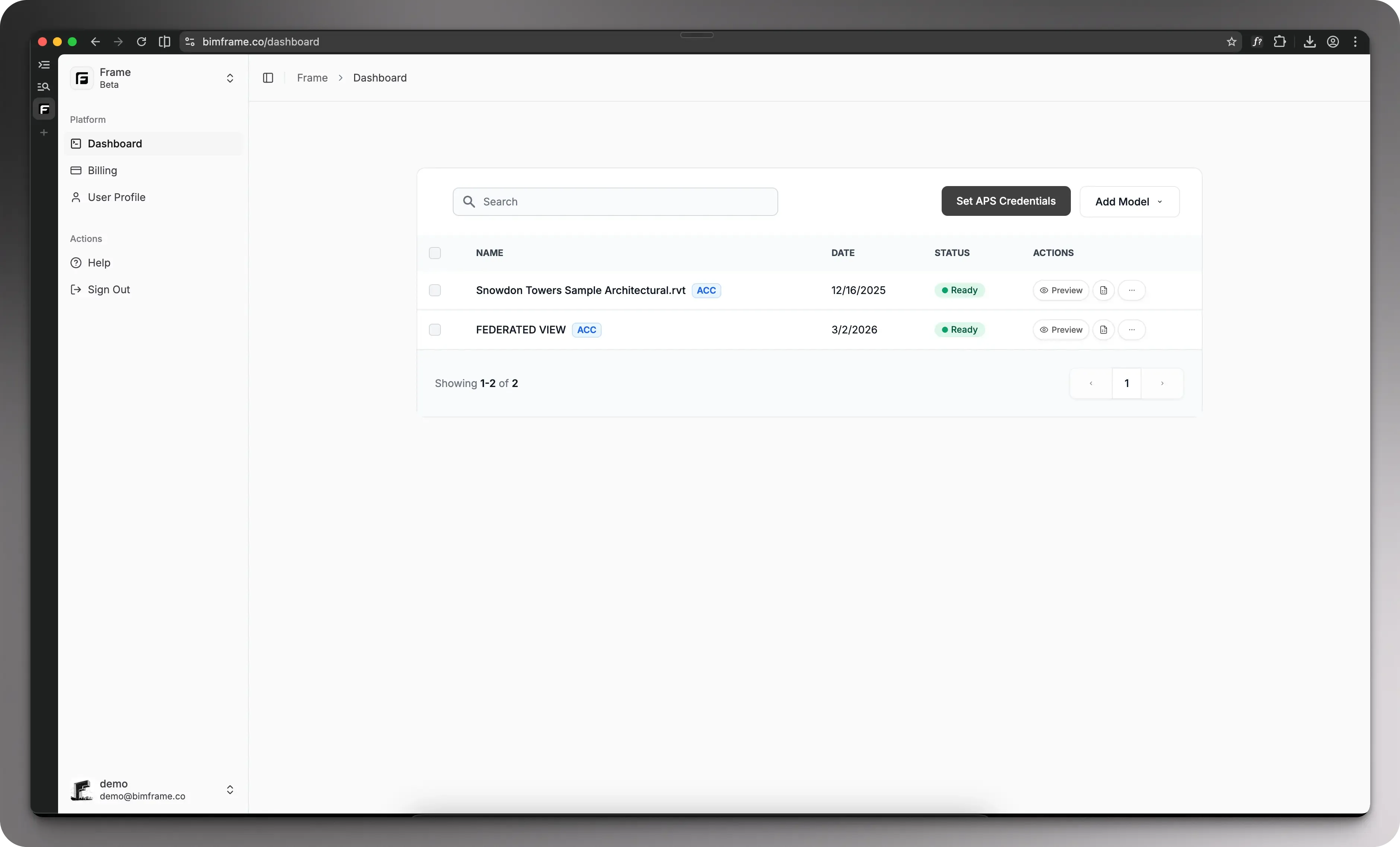
If you are new to Frame, start here. These pages cover the minimum path most teams follow before they branch into Power BI, Excel, or Frame AI workflows:
Dashboard and navigation
See how the dashboard is organized, where model details live, and where the viewer and report actions appear.
Upload and connect models
Add local files or connect ACC so the model can be translated and prepared for downstream workflows.
Viewer and markups
Use the 3D viewer, quick color tools, and markup actions once a model is ready.
Create your first report
Move from a ready model to report generation, template selection, and download.