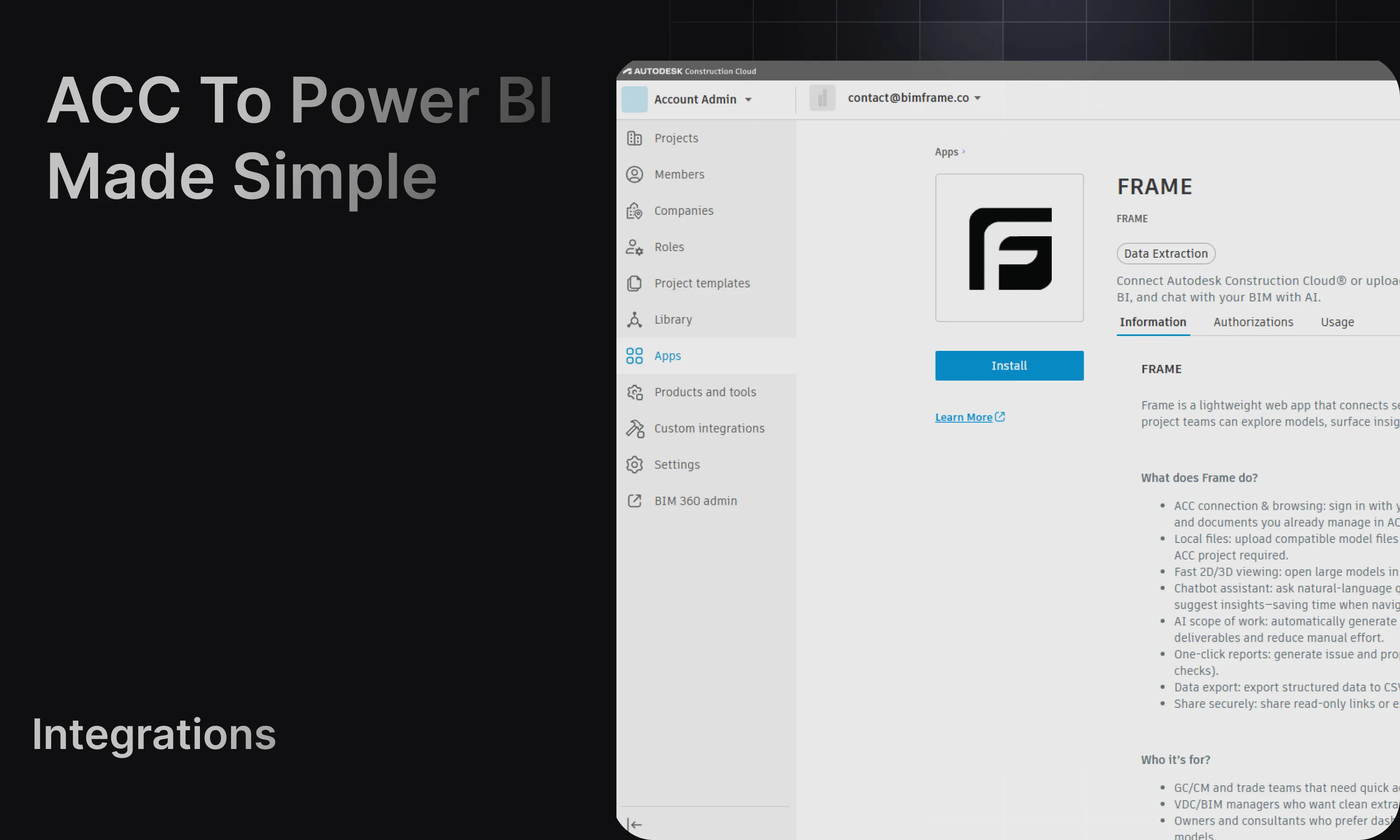
Power BI templates
Starter
Section titled “Starter”Use Starter when you want a clean general-purpose dataset and a strong base for custom reporting.
Typical pages:
- Overview
- Viewer
- Access Detail
- Object Tree
For a full walkthrough, see Starter template.
IFC Starter
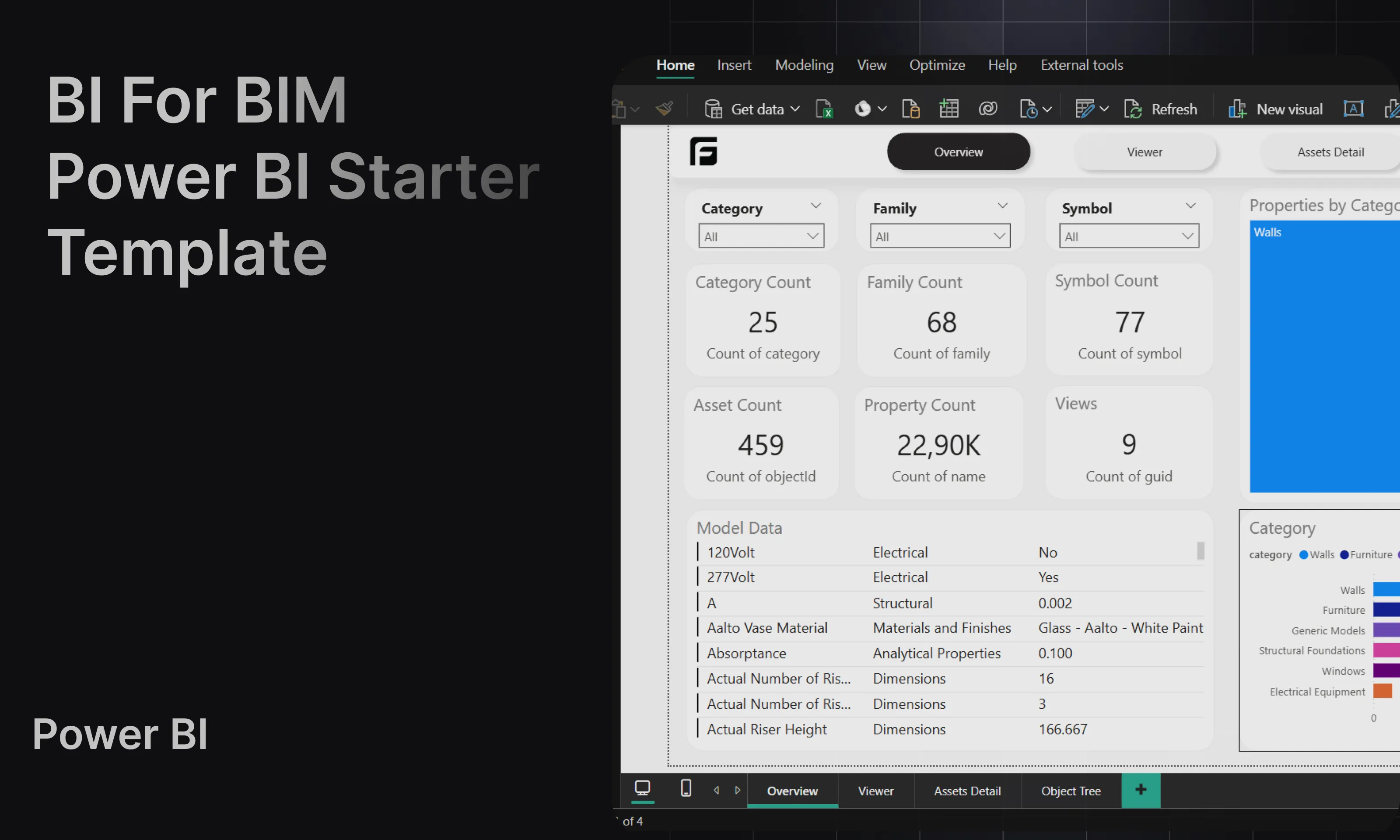
Section titled “IFC Starter”Use IFC Starter for an IFC processed by the Frame engine. It includes prepared model data and the Frame viewer and is available through the Free plan’s included Power BI report slot.
For the engine requirements and setup, see Frame engine for IFC.
Federated Starter (Beta)
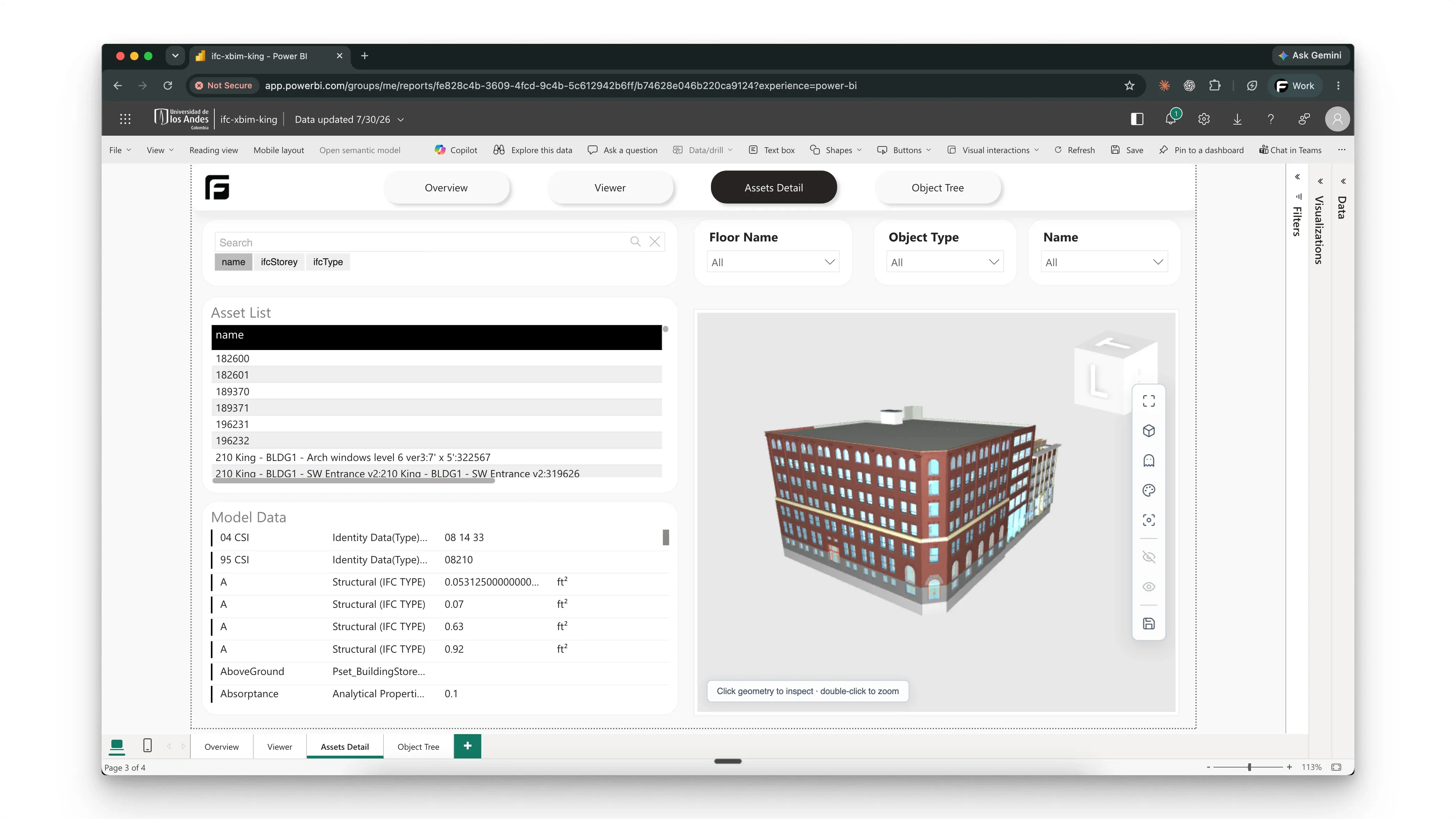
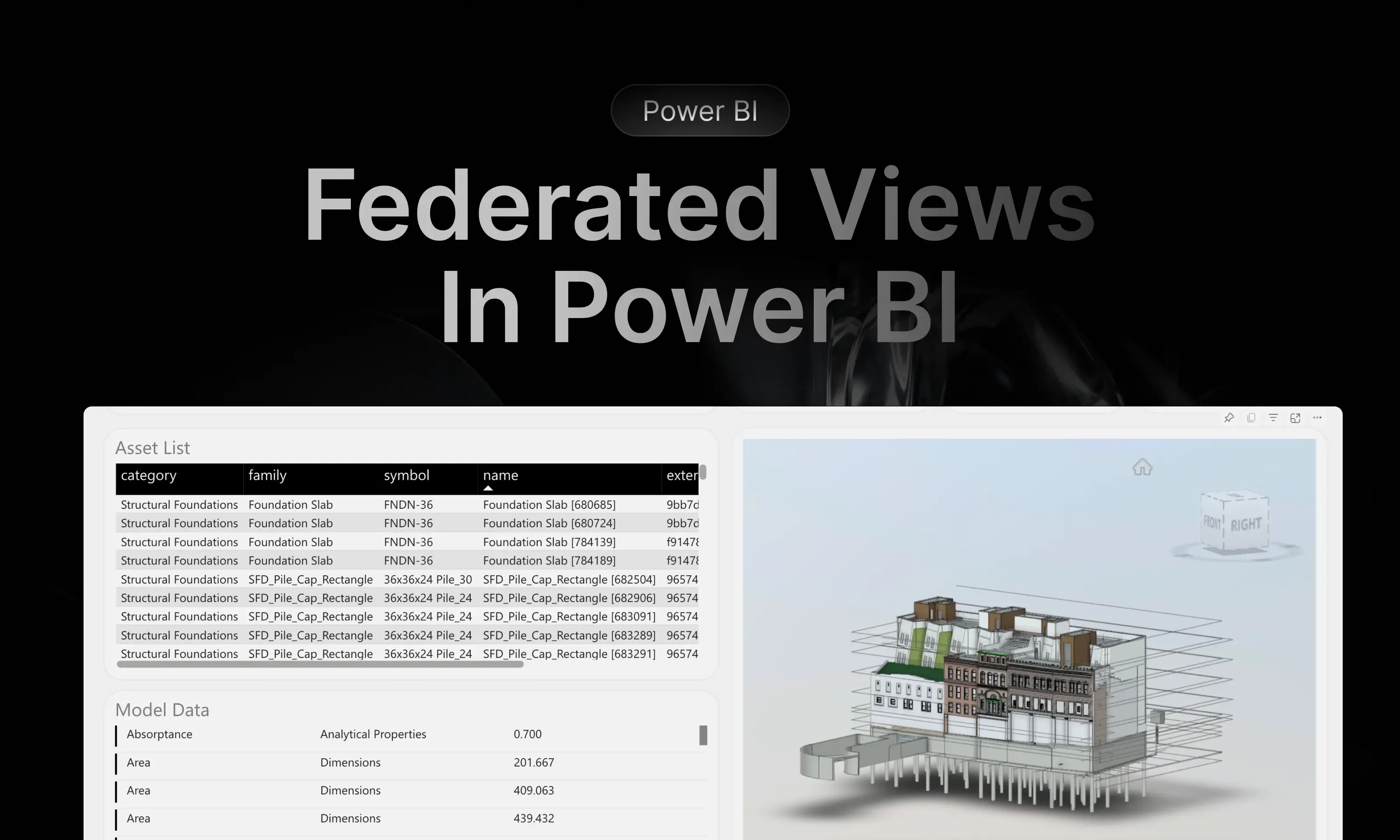
Section titled “Federated Starter (Beta)”Use Starter with an ACC Model Coordination federated view. Frame selects the federated template and lets you choose the entire aggregate dataset or one ready source-model dataset.
For setup, viewer behavior, child-model drill-through, and ACC Issues, see Federated ACC models.
Coordination
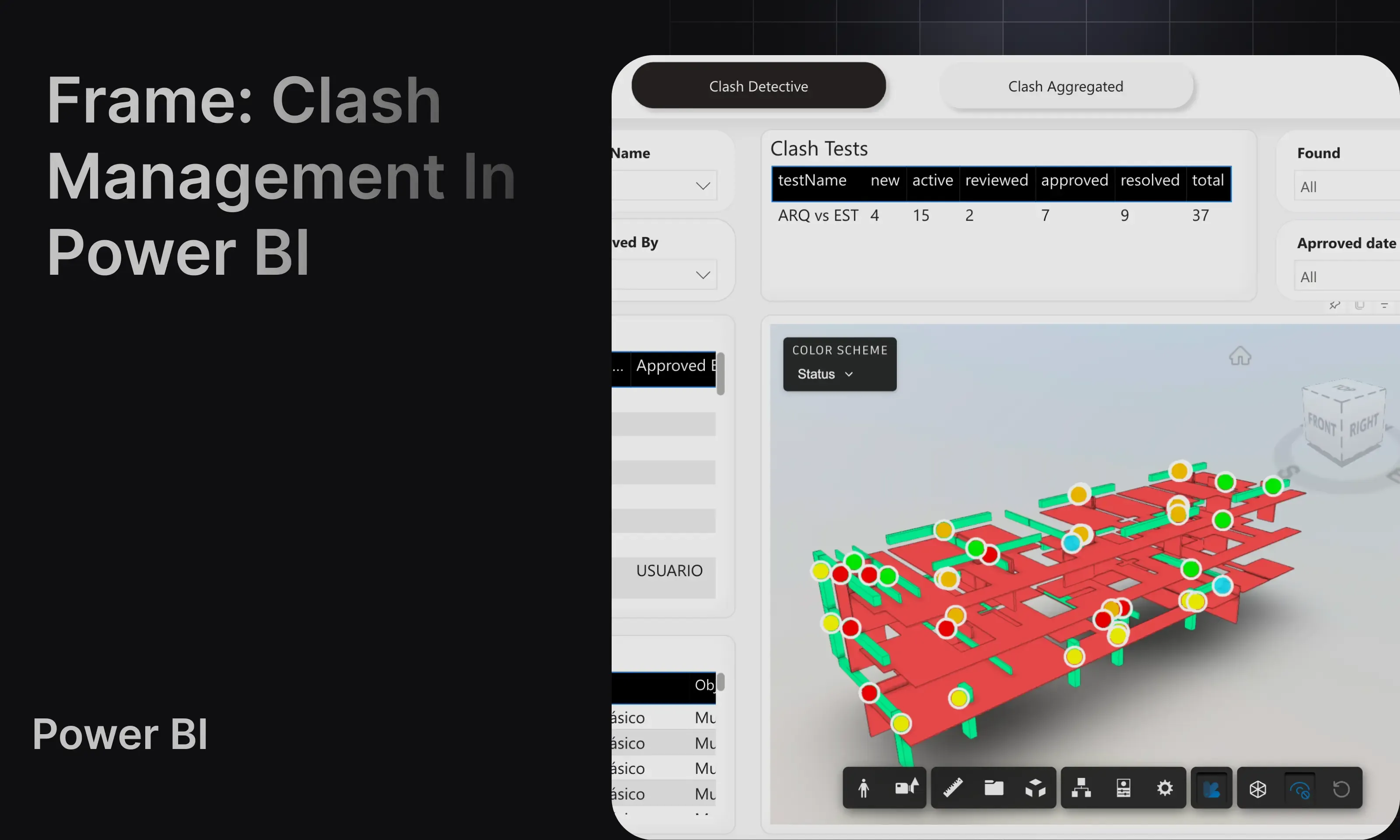
Section titled “Coordination”Use Coordination when you are working with Navisworks clash results and want summary and detective-style views.
For the full workflow, see Coordination template.
File Version
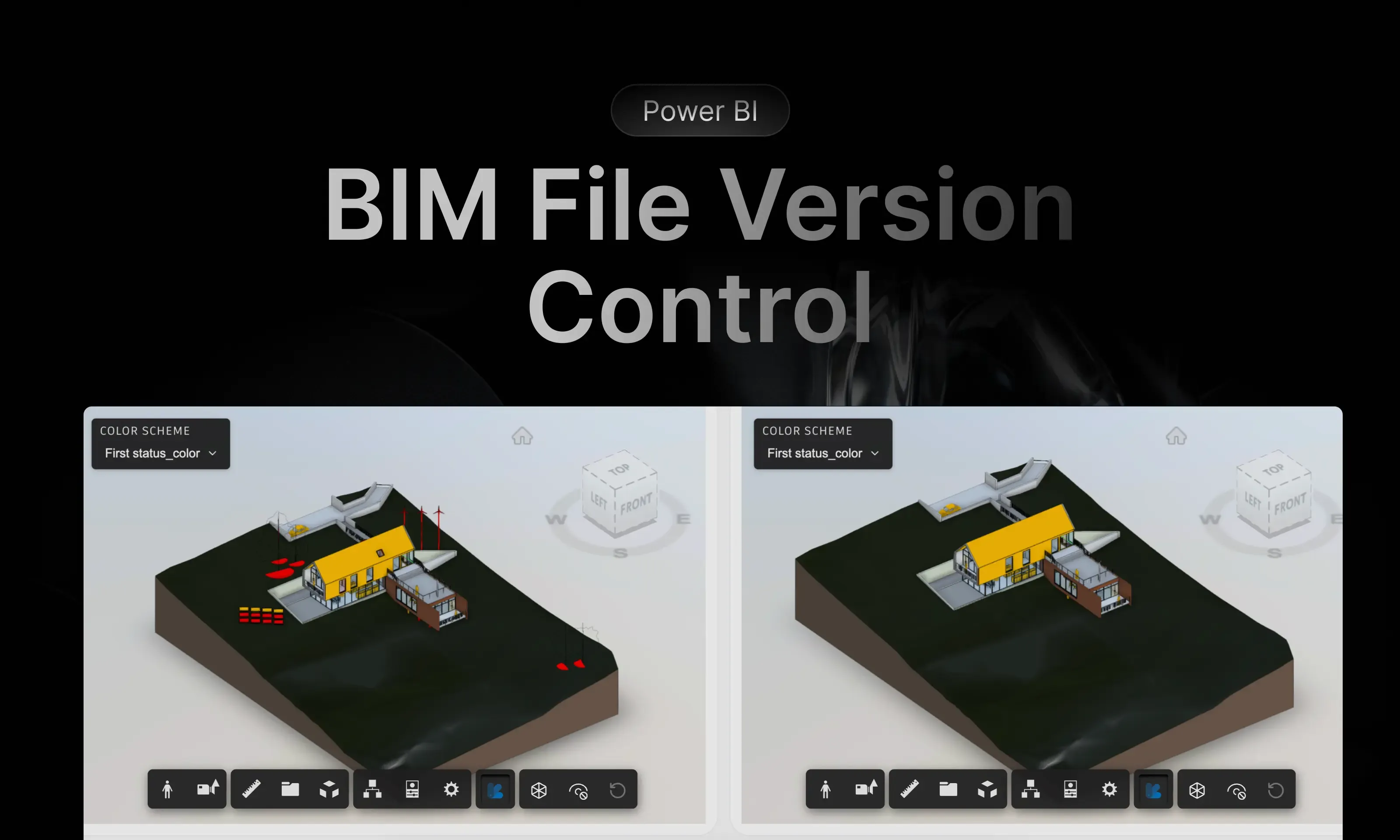
Section titled “File Version”Use File Version when you want to compare two versions of the same model and review added, changed, and removed elements.
For the comparison workflow, see File Version template.
ACC/Forma Version history (Beta)
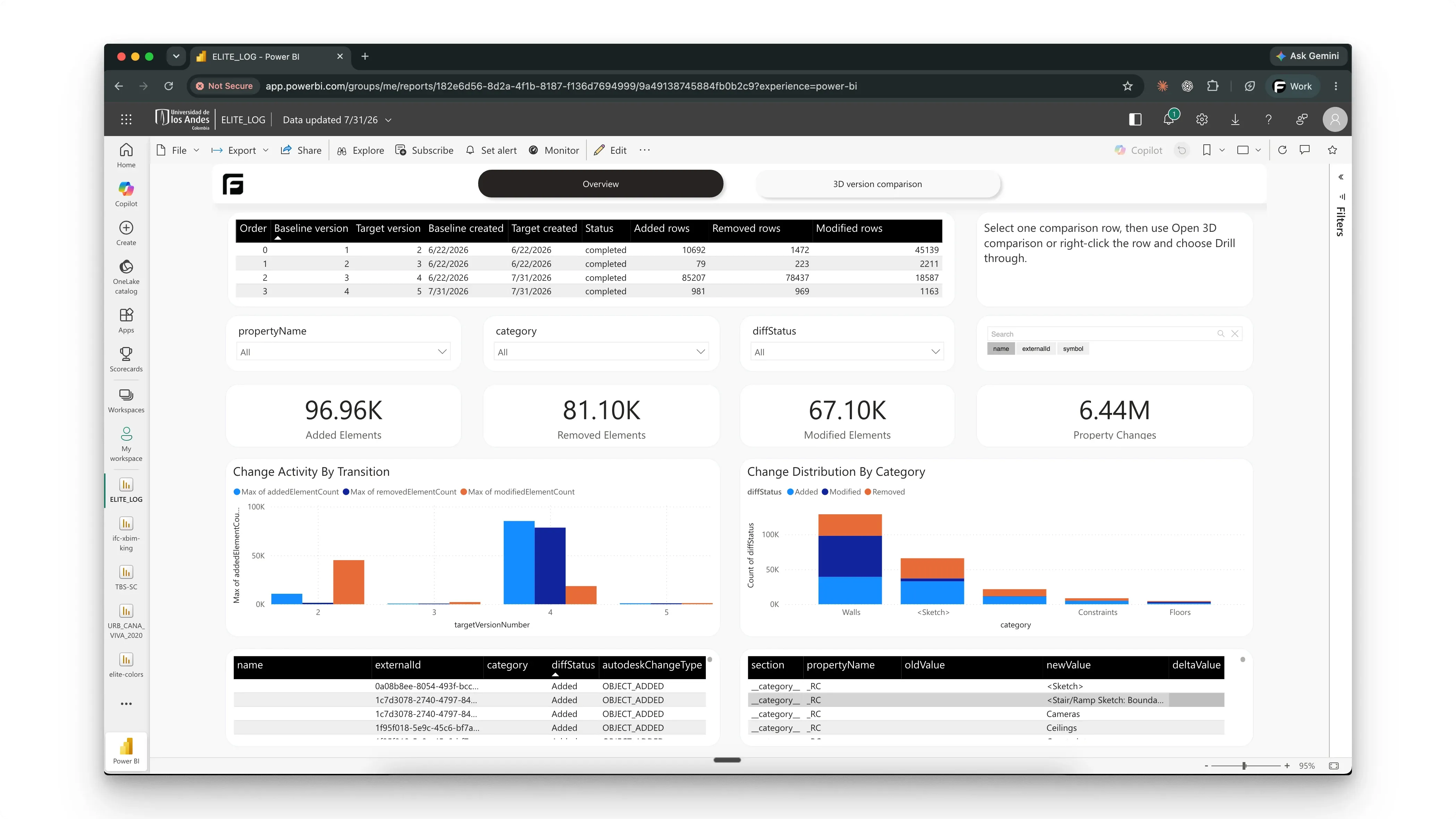
Section titled “ACC/Forma Version history (Beta)”Use Version history to analyze consecutive changes or selected property history across synchronized versions of one non-federated ACC/Forma model item.
For the complete setup, see ACC/Forma Version history.
ACC Issues
Section titled “ACC Issues”Use ACC Issues when your model comes from Autodesk Forma (formerly Autodesk Construction Cloud, ACC) and you need issue-oriented reporting tied to that workflow.
For the ACC workflow details, see ACC Issues template.