
Autodesk Construction Cloud
What this integration does
Section titled “What this integration does”Frame connects to Autodesk Construction Cloud so teams can bring ACC-hosted models into Frame for viewing, reporting, and downstream workflows like Power BI and Excel.
Install flow
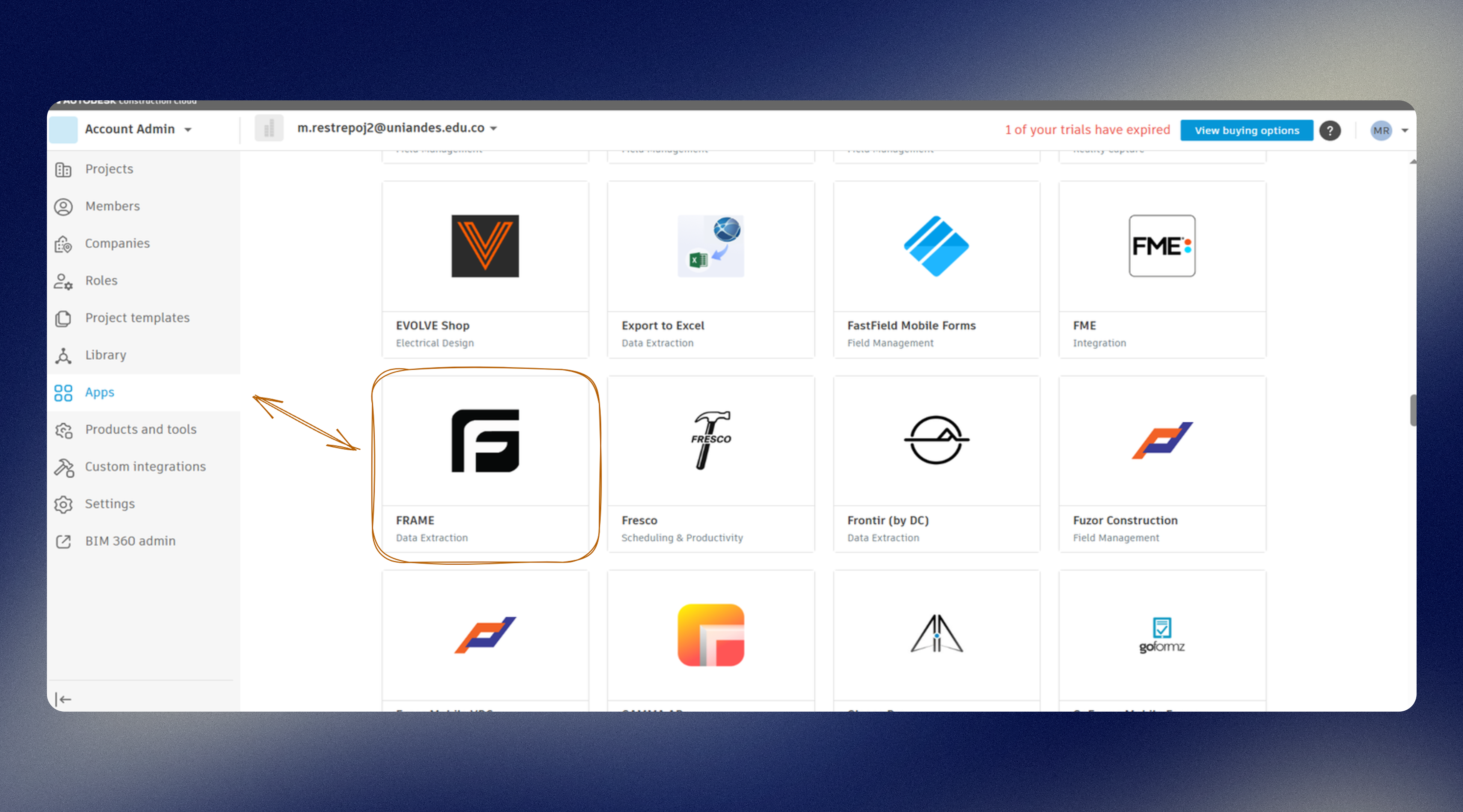
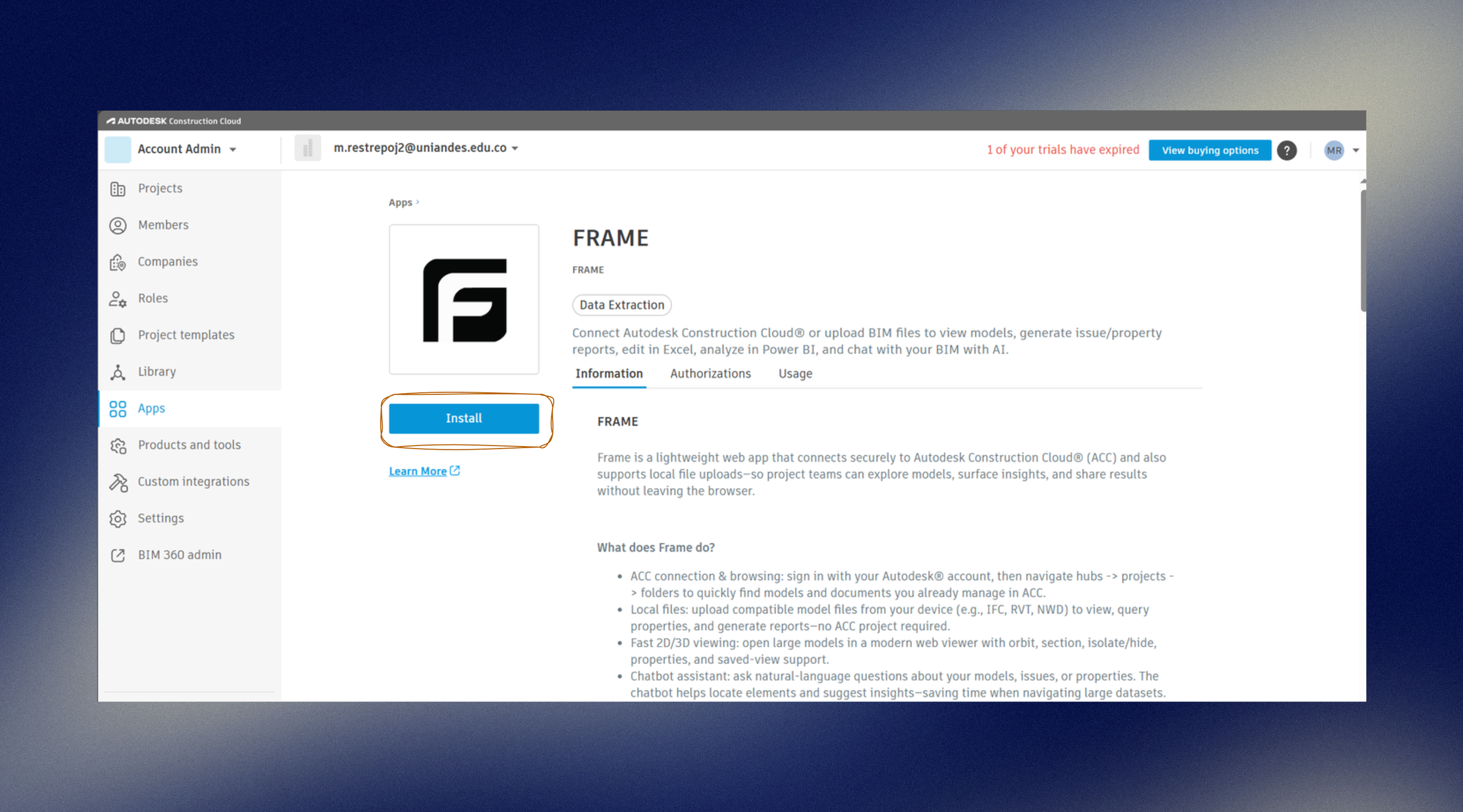
Section titled “Install flow”- Open Autodesk Construction Cloud and add the Frame app.
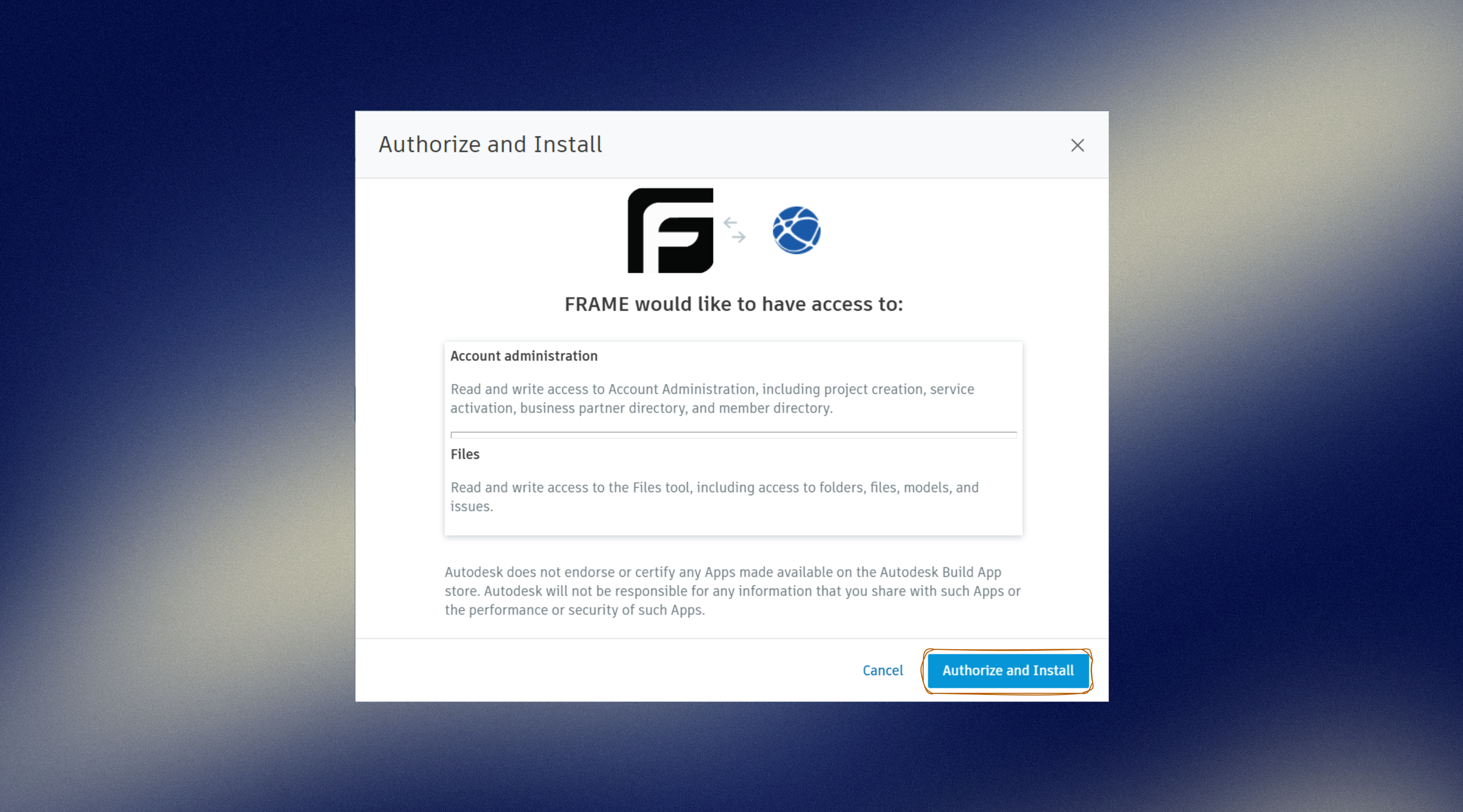
- Authorize and install the Frame app in ACC.
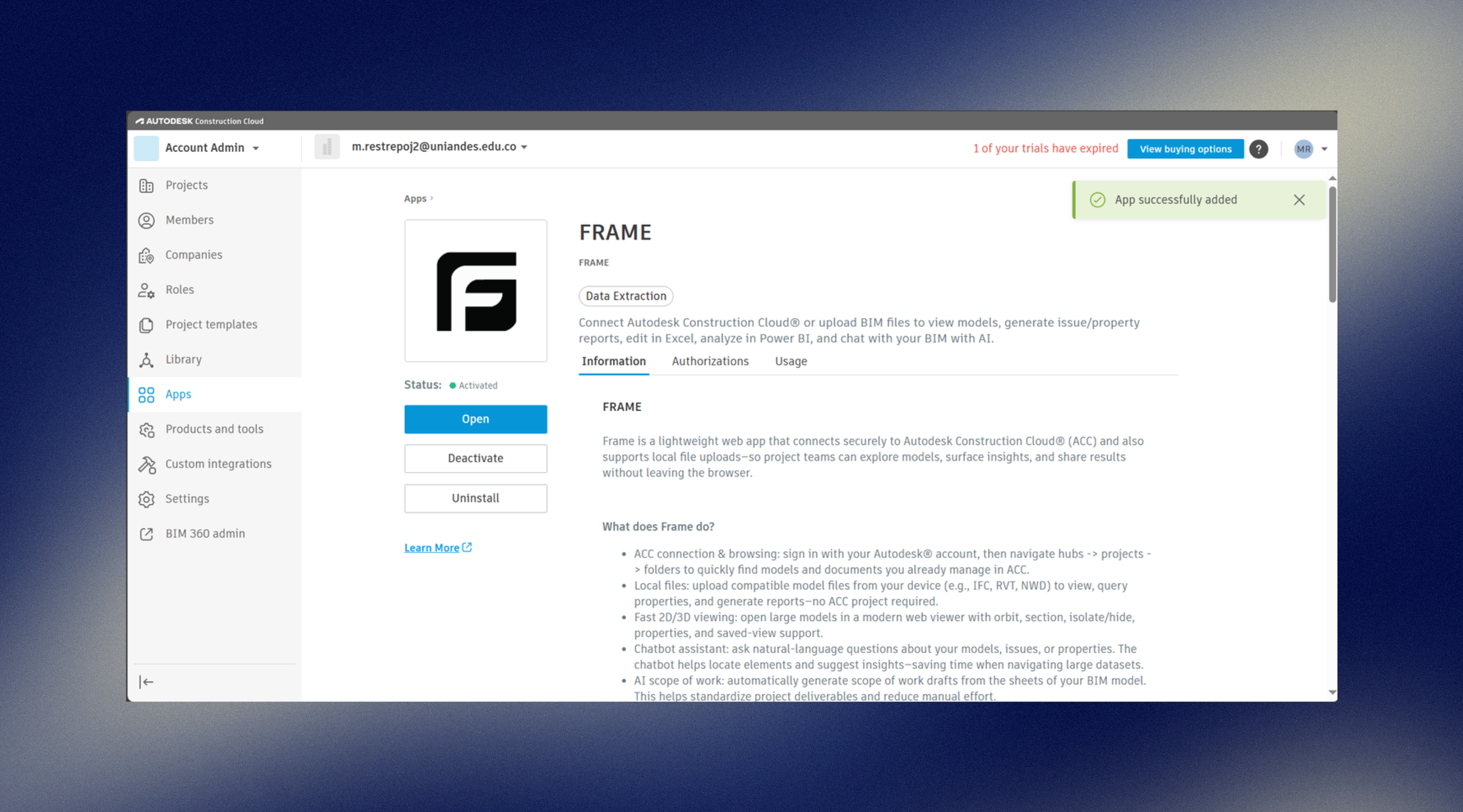
- Wait for the app to show as installed and active in ACC.
- Sign in with your ACC account in Frame.
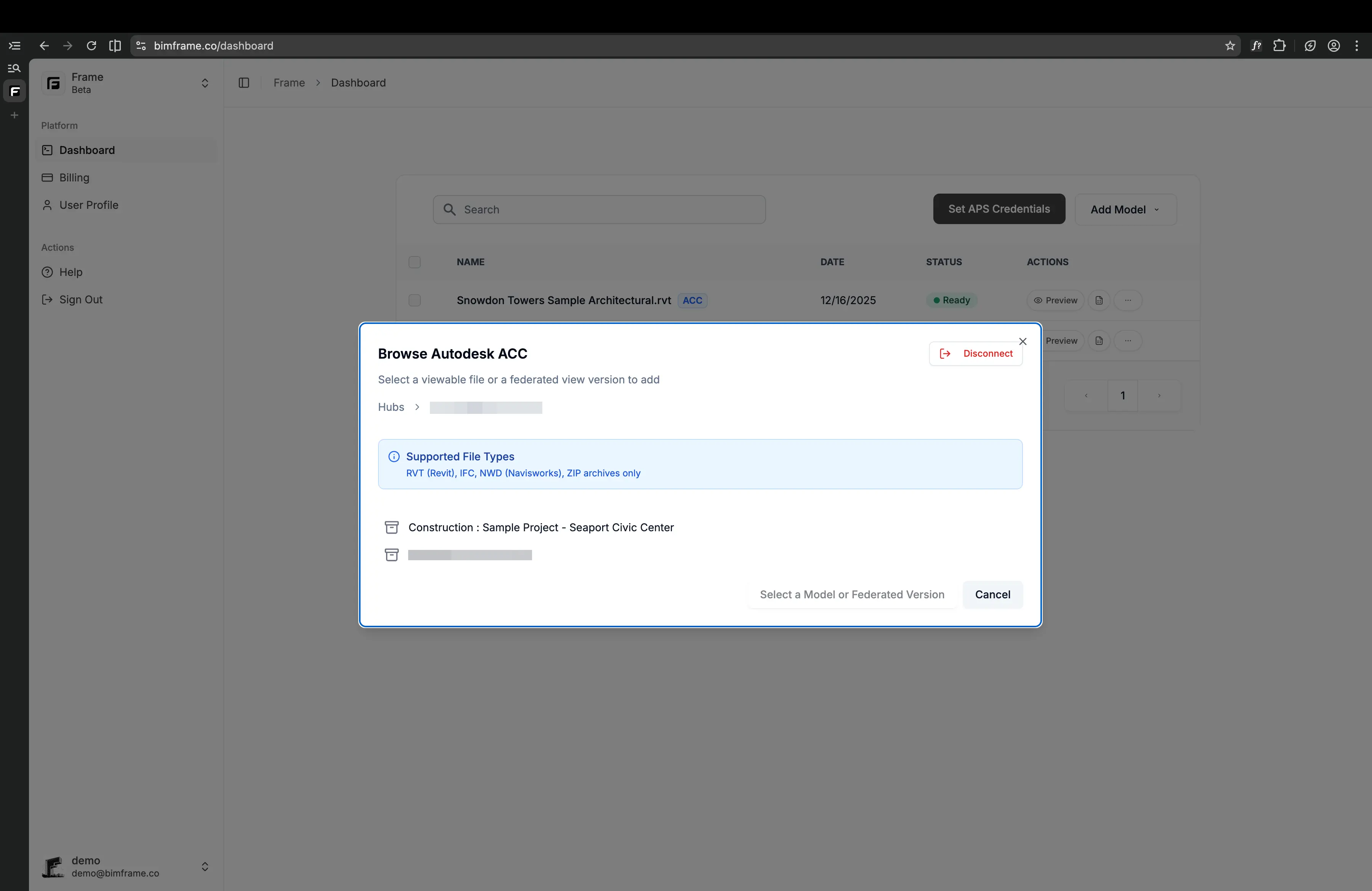
- Browse your ACC hubs and projects in Frame, then select the files you want to work with.
After installation
Section titled “After installation”Once the ACC connection is active, Frame can:
- access the model translation data needed for visualization and analytics
- let you select models from ACC projects
- support ACC-related workflows like issue-based reporting