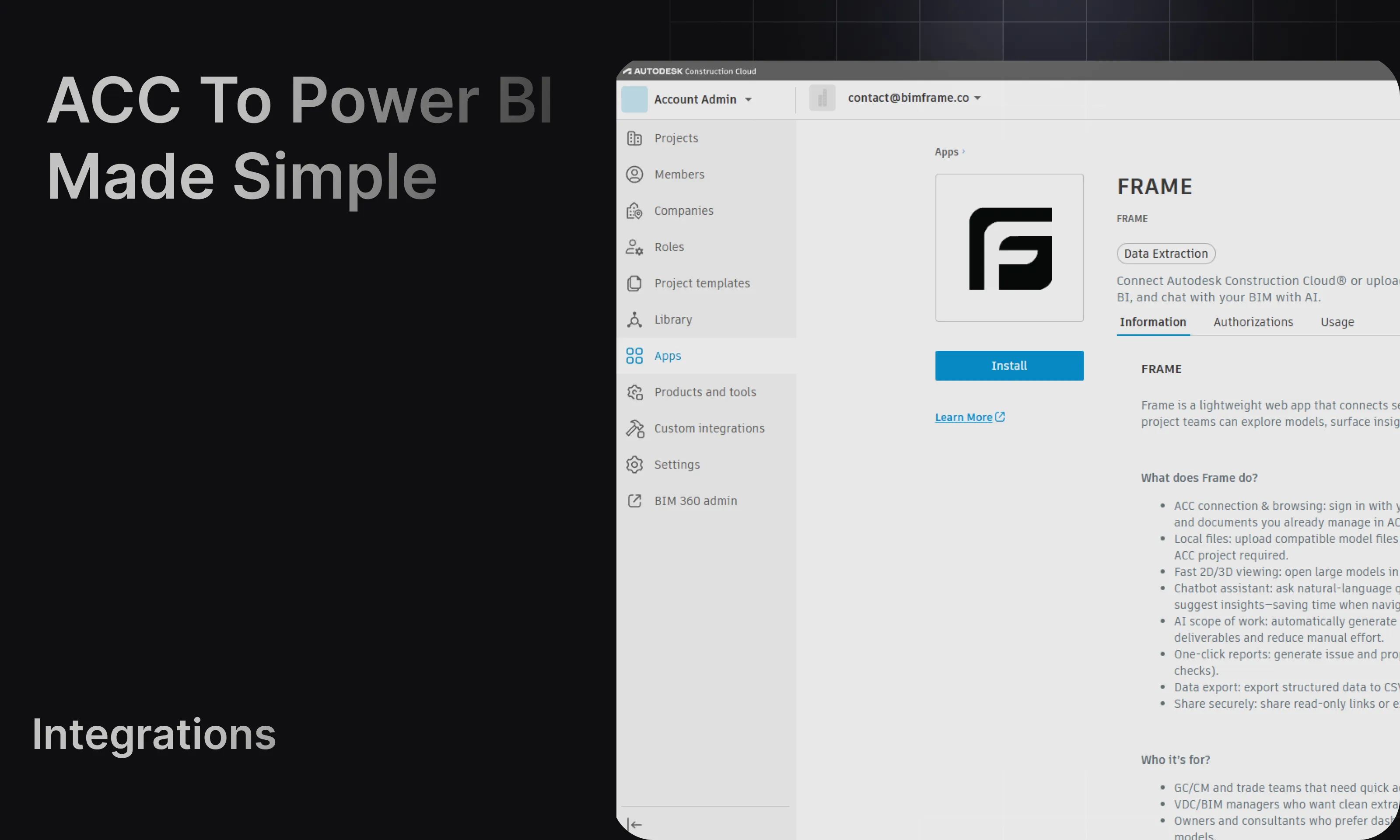
Power BI templates
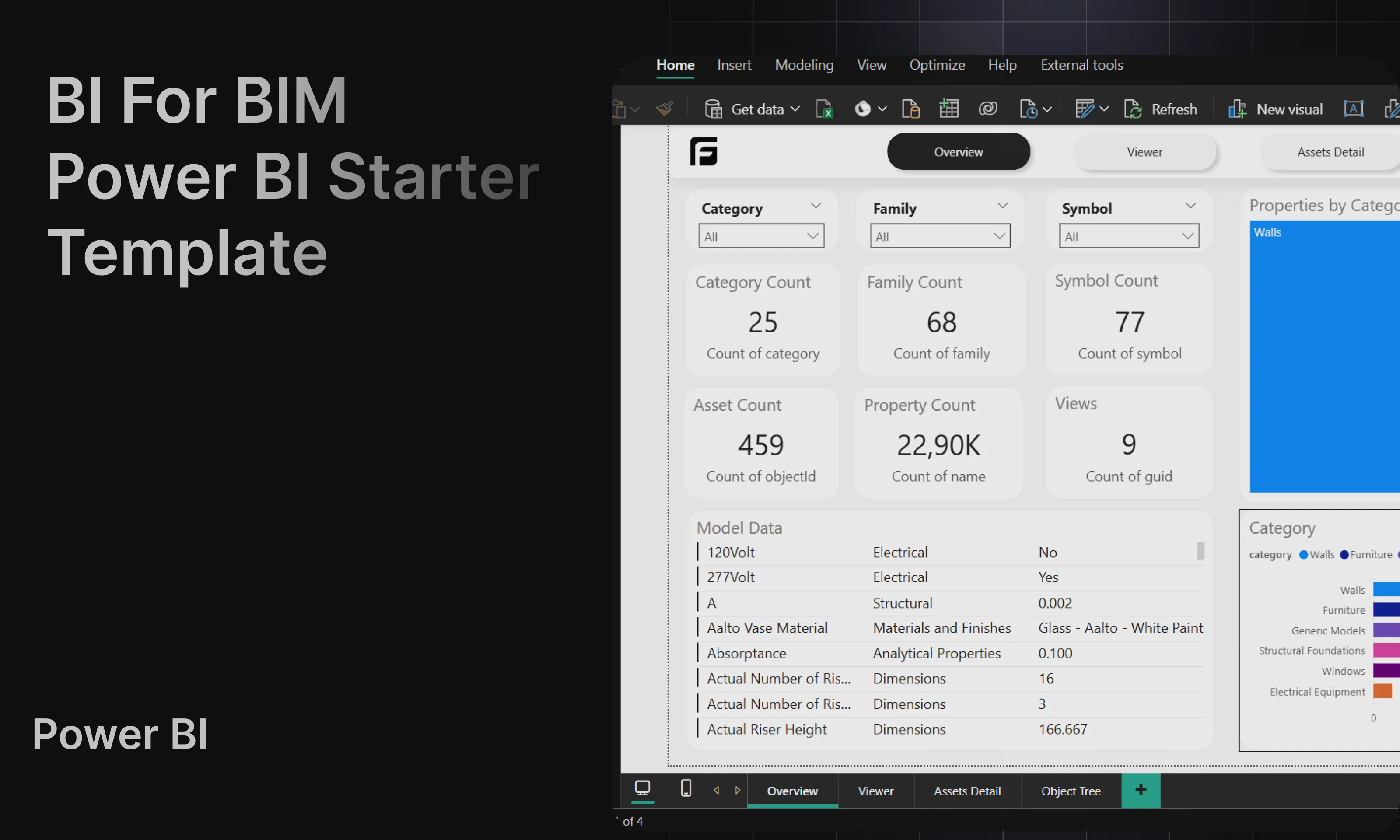
Starter
Section titled “Starter”Use Starter when you want a clean general-purpose dataset and a strong base for custom reporting.
Typical pages:
- Overview
- Viewer
- Access Detail
- Object Tree
For a full walkthrough, see Starter template.
Quantities
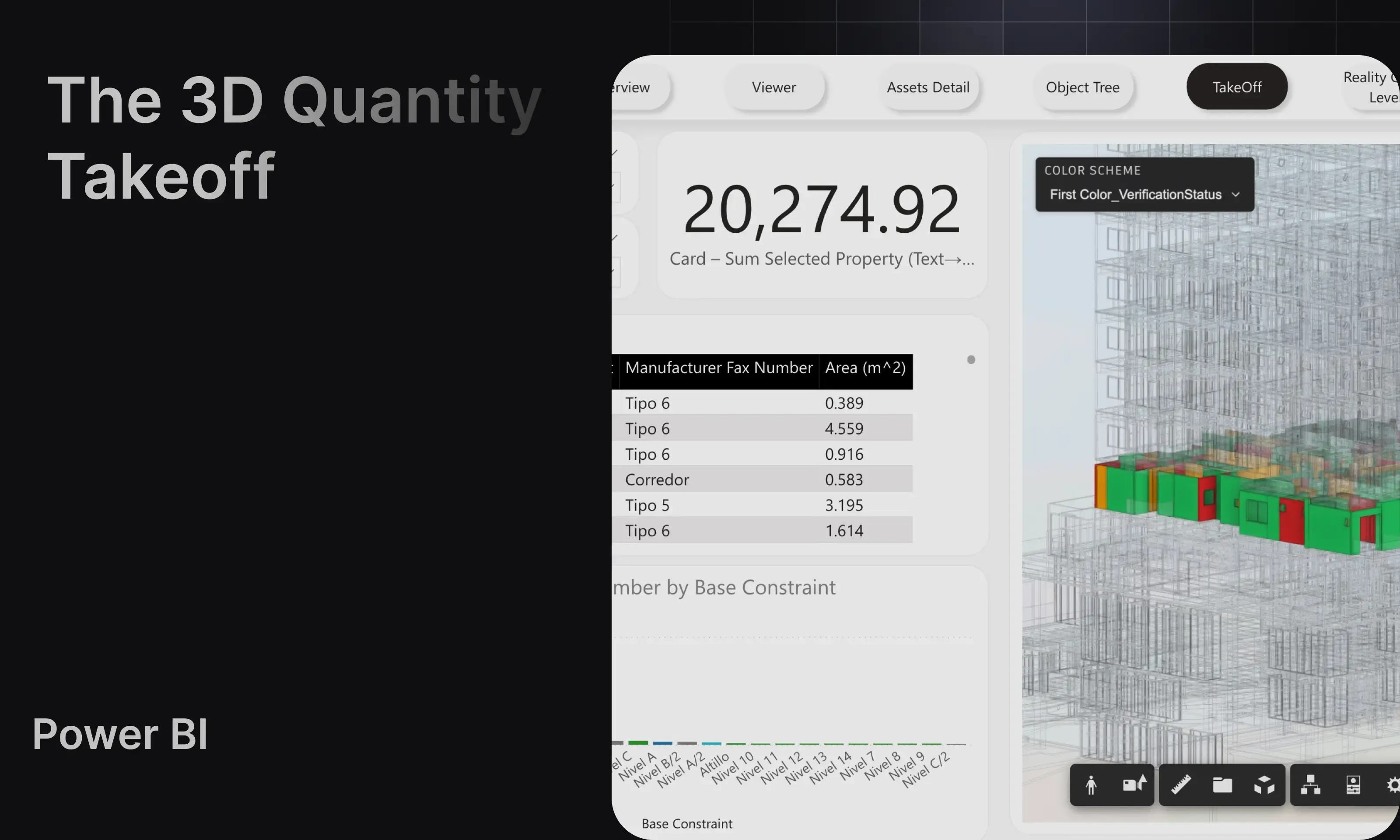
Section titled “Quantities”Use Quantities when you want takeoff-oriented reporting with configurable properties and color-driven review.
For setup steps and the Power BI adjustments, see Quantities template.
Coordination
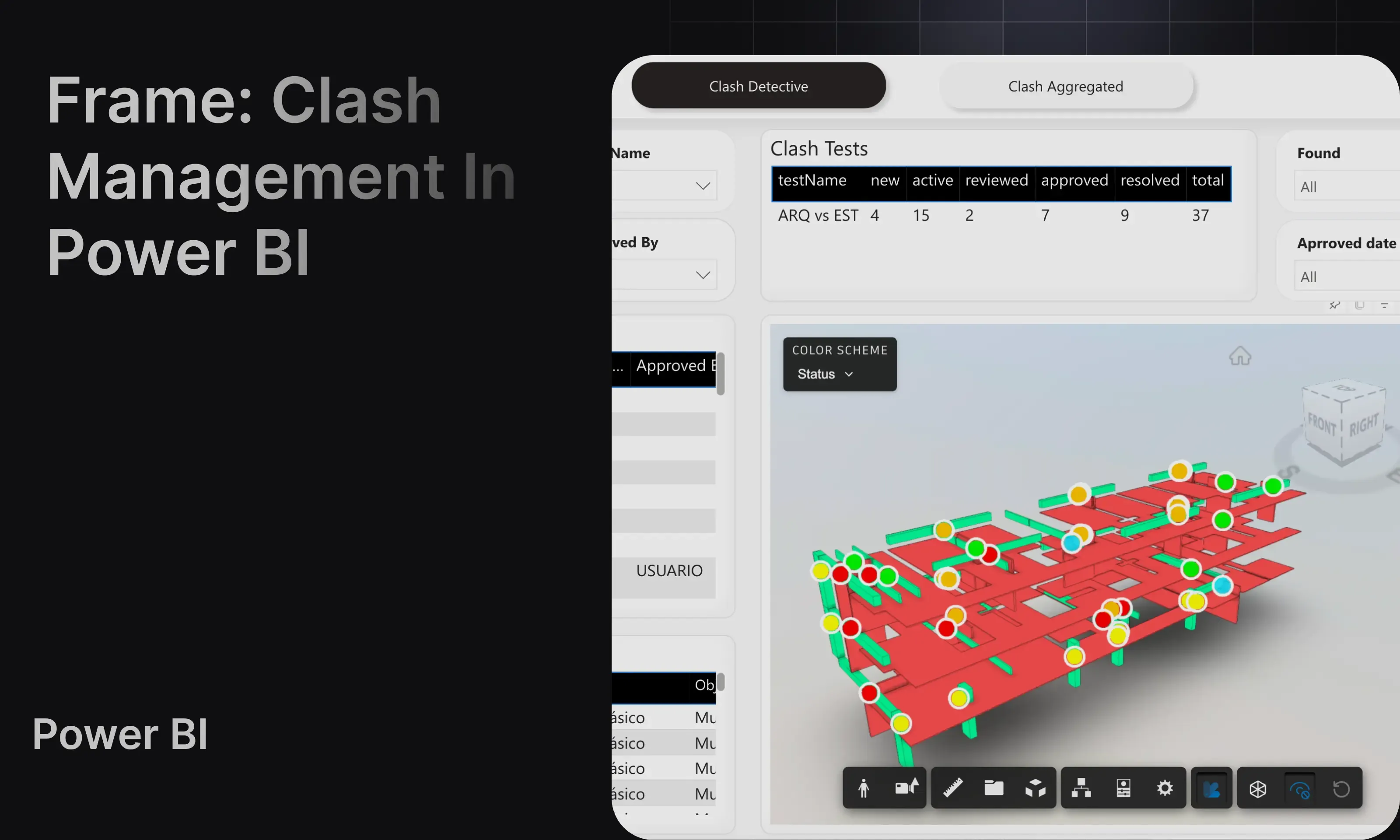
Section titled “Coordination”Use Coordination when you are working with Navisworks clash results and want summary and detective-style views.
For the full workflow, see Coordination template.
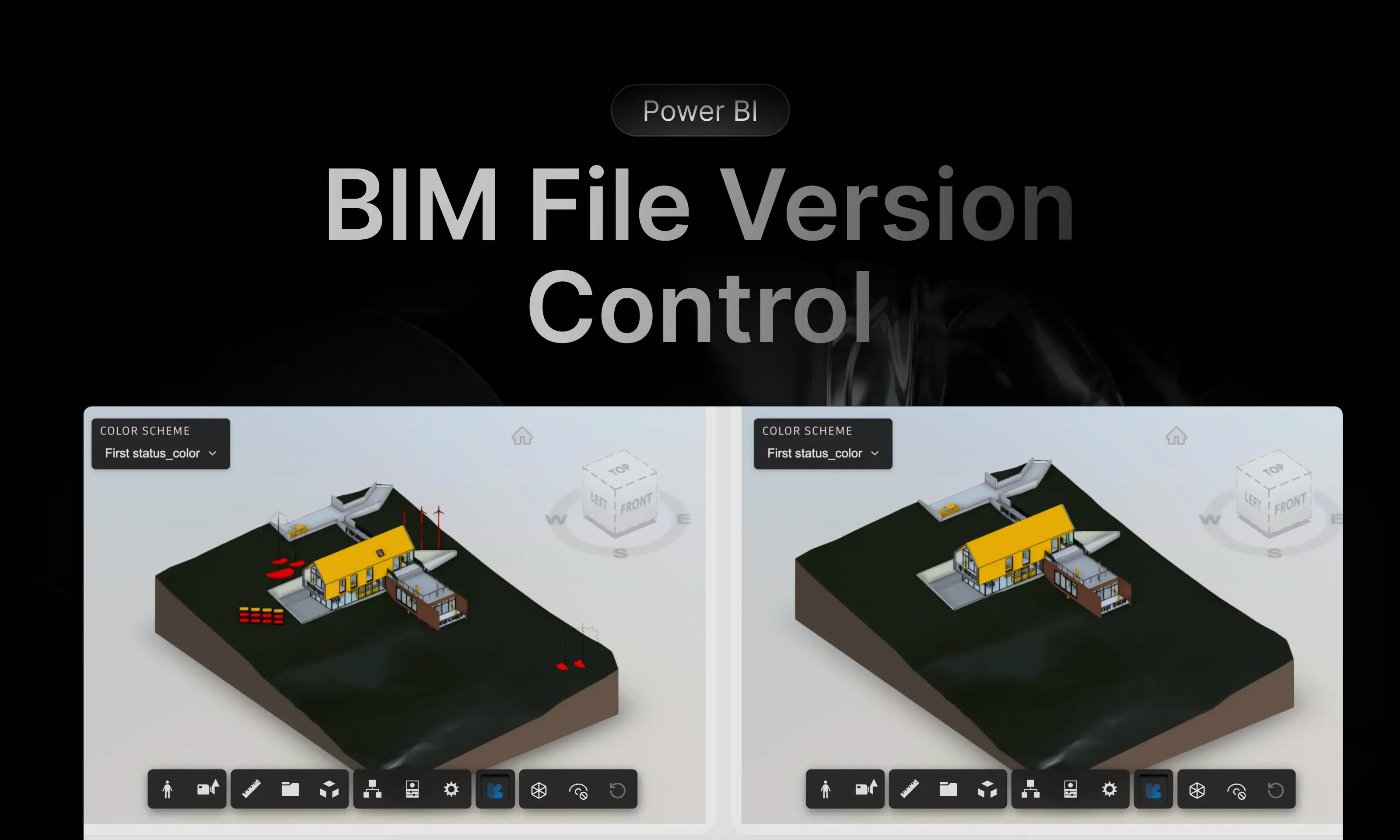
File Version
Section titled “File Version”Use File Version when you want to compare two versions of the same model and review added, changed, and removed elements.
For the comparison workflow, see File Version template.
ACC Issues
Section titled “ACC Issues”Use ACC Issues when your model comes from ACC and you need issue-oriented reporting tied to that workflow.
For the ACC workflow details, see ACC Issues template.