Skip to content

Power BI

Frame helps you move from a processed model to a usable Power BI report without manually rebuilding the data model.
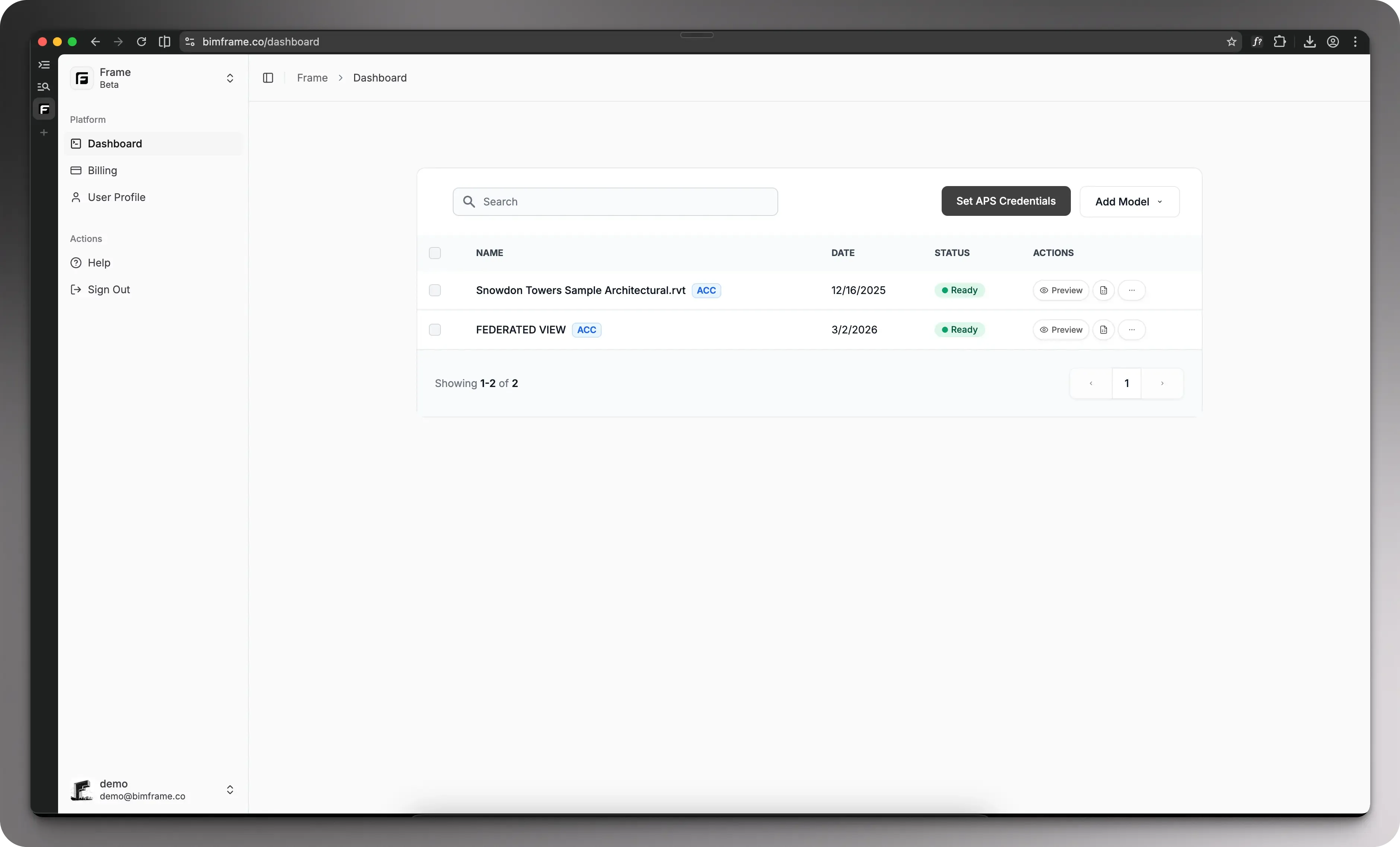
Frame dashboard before Power BI report generation

The typical path is:

  1. Process a model in Frame.
  2. Create a report from the dashboard.
  3. Choose the right template for the analysis goal.
  4. Download the generated package or template.
  5. Open it in Power BI Desktop.
  6. Authenticate once with your Frame API key.

Authenticate a report

Use your Frame API key when Power BI prompts for a Web API key on first use.

Choose a template

Pick the starter, quantities, clash coordination, file version, or ACC issues template based on the question you need to answer.

  • prepared model data instead of raw authoring-tool exports
  • Power BI-friendly templates for common BIM reporting workflows
  • support for multiple model origins, including local files and ACC-connected projects
  • a route into richer workflows where Excel and Power BI can work together