
Choose a template
Start with the decision you need to make
Section titled “Start with the decision you need to make”Use the template that matches the question your team is trying to answer:
- Starter when you want a general-purpose, clean foundation.
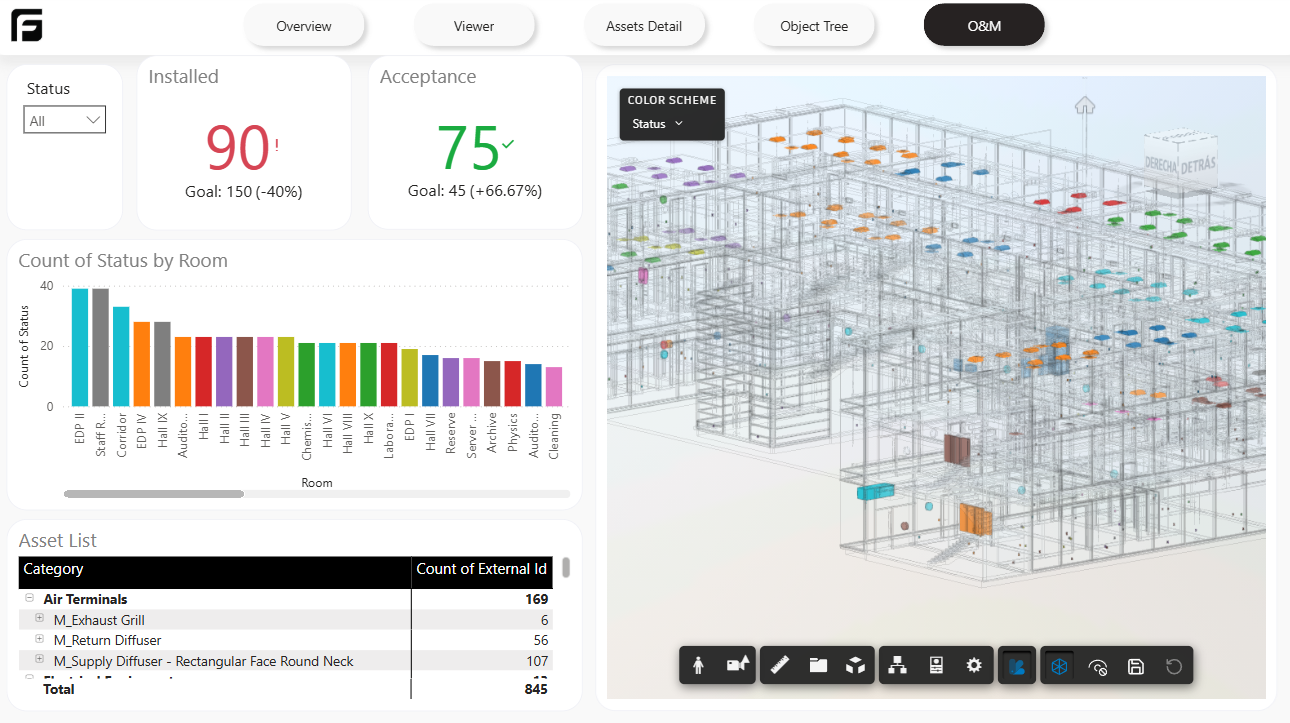
- Quantities when you need takeoffs or measurement-focused reporting.
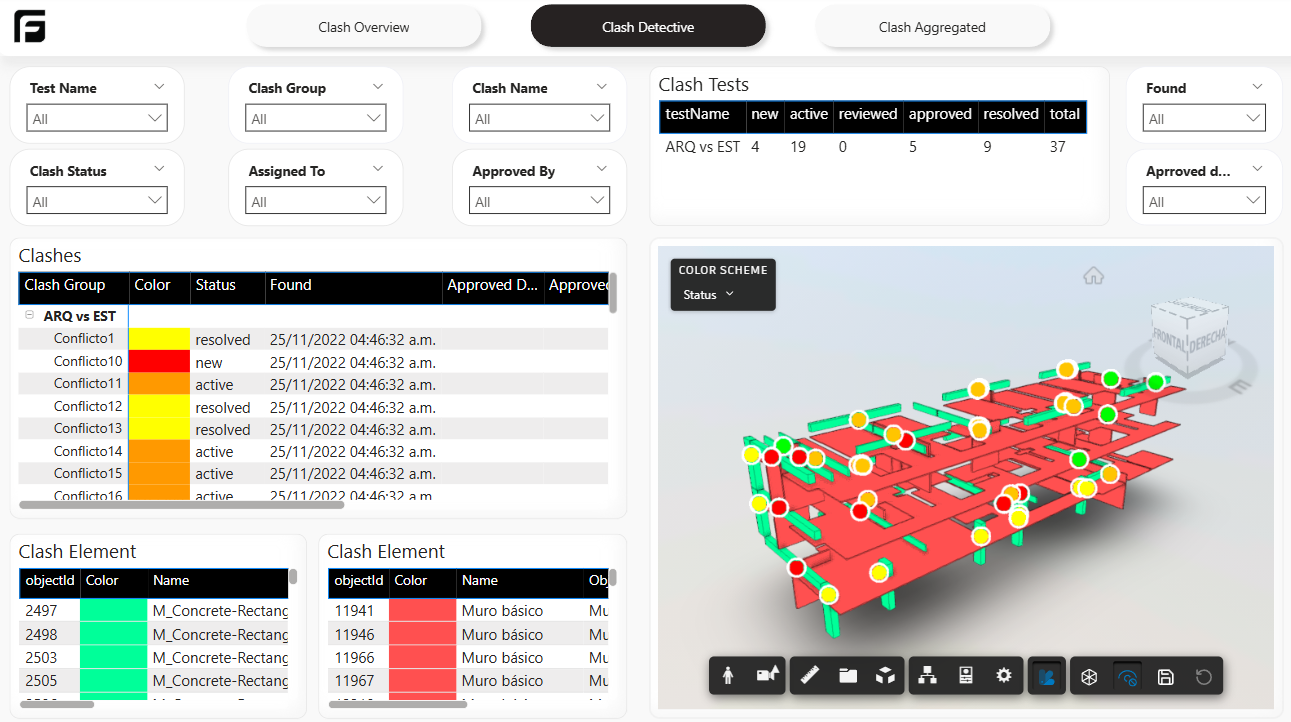
- Coordination when you are analyzing Navisworks clash results.
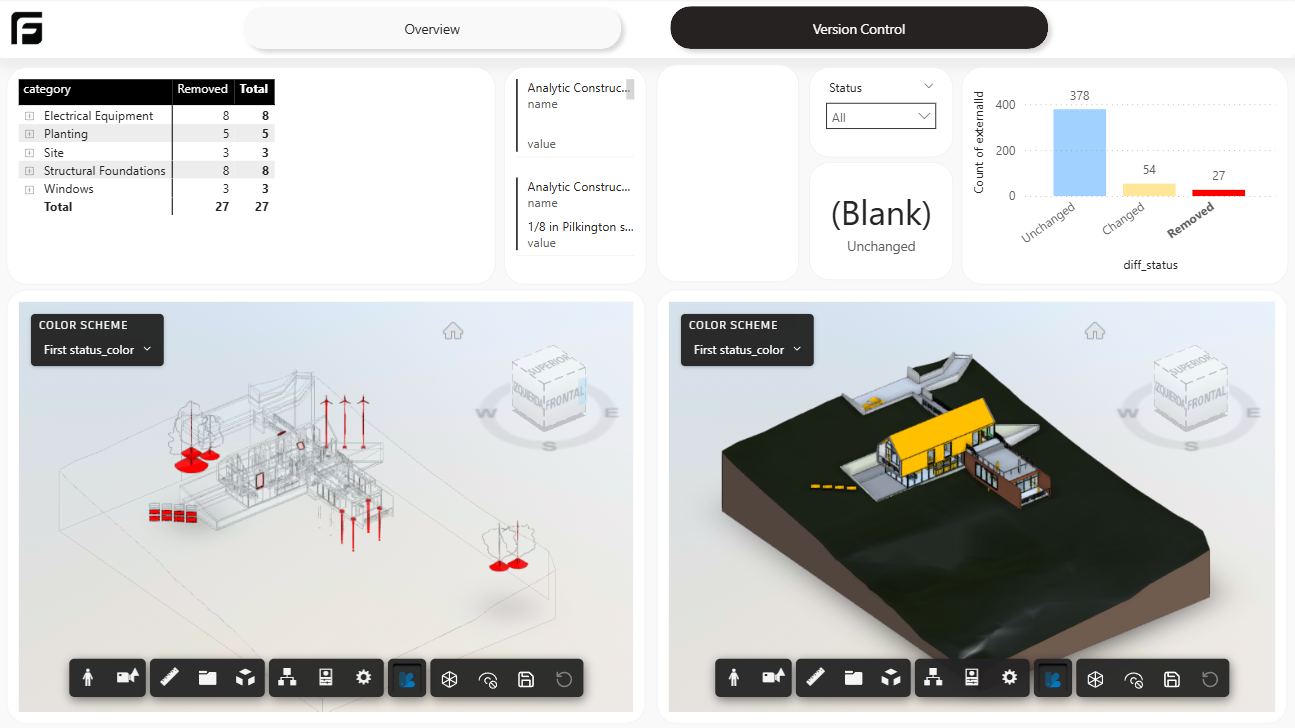
- File Version when you need to compare two versions of the same model.
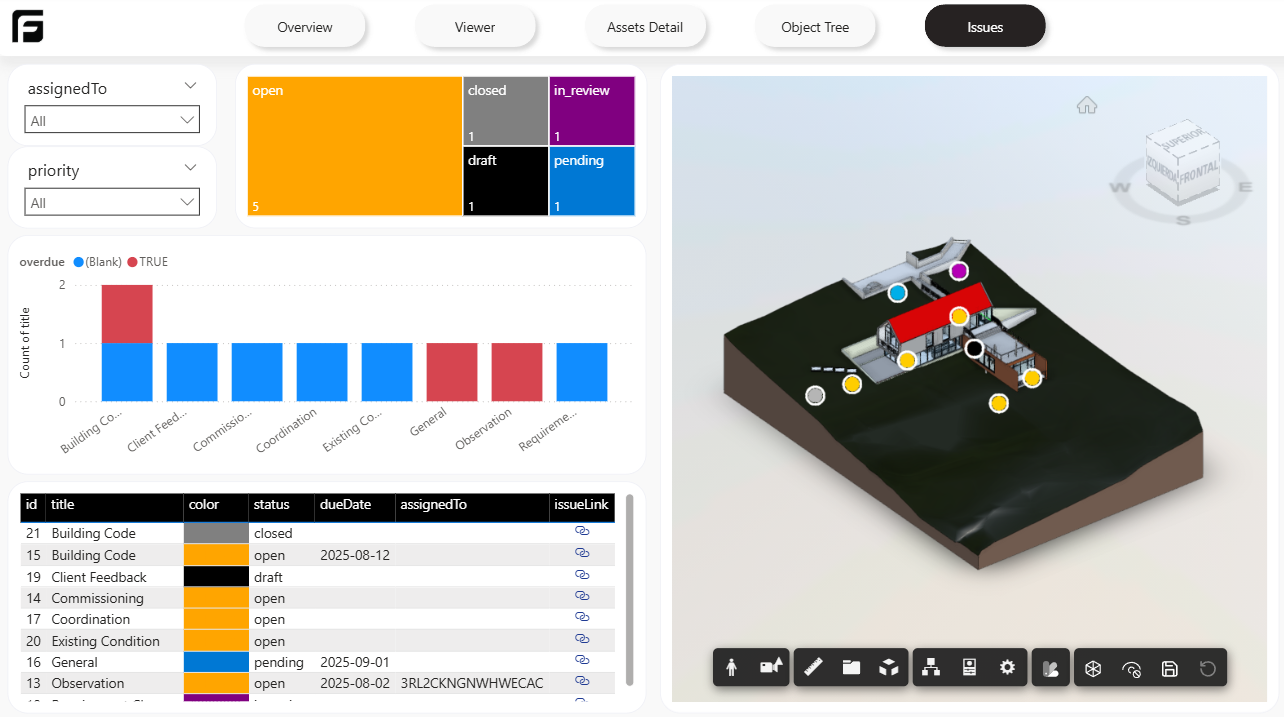
- ACC Issues when you want to analyze Autodesk Construction Cloud issues.
Quick selection guide
Section titled “Quick selection guide”| Template | Best for | Typical output |
|---|---|---|
| Starter | General reporting and custom report building | Overview, viewer, access detail, object tree |
| Quantities | Measurement and takeoff workflows | Quantity-focused pages and color-driven review |
| Coordination | Clash review | Clash summaries and detailed detective views |
| File Version | Revision comparison | Added, changed, and removed elements between versions |
| ACC Issues | Issue analysis | Issue overview and issue detail pages |
Template guides
Section titled “Template guides”Use these pages for the full setup and report-specific guidance:
Starter template A clean starting point for general reporting, model review, and custom Power BI layouts.
Quantities template Takeoff reporting with configurable properties, unpivot values, and viewer color control.
Coordination template Navisworks clash reporting with summary, detective, and aggregate views.
File Version template Compare two versions of the same model and review what changed.
ACC Issues template Analyze Autodesk Construction Cloud issues tied to a processed model.
Template examples
Section titled “Template examples”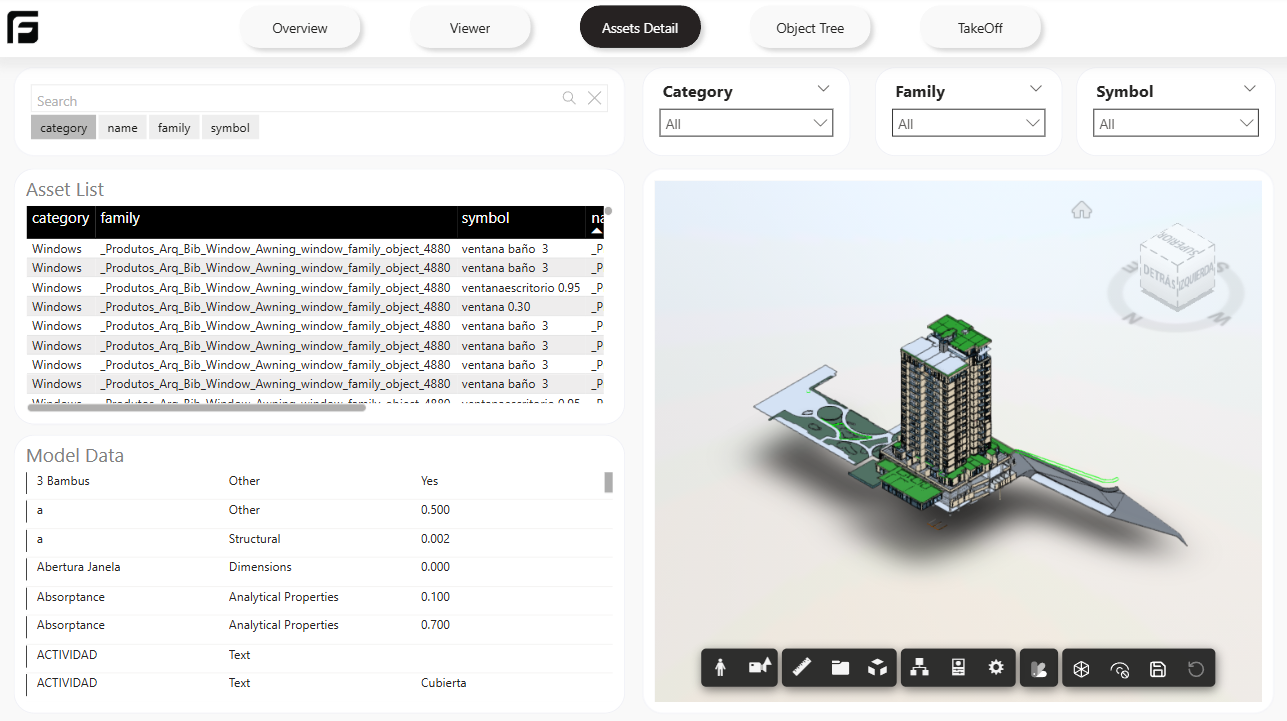
Recommendation
Section titled “Recommendation”If your team is just starting with Power BI in Frame, choose Starter first. It gives you the cleanest base for learning the data model and deciding what to customize later.
Related reference
Section titled “Related reference”For the stable catalog with page-by-page summaries, see Power BI templates.